

AI Text Analyzer & Writer
AI Writing Assistant • Grammar Checker • Sentiment Analysis • Text‑to‑Speech
Graspery
AI Text Analyzer & Writer is developed and provided by Graspery.
OFF
Version8.0.4
Updated on
1970-01-21
Rating4.4
CategoryProductivity
Package namecom.graspery.www.text_analysis
AI Text Analyzer & Writer Description
The AI Writing Assistant & Text Analysis app just got even smarter.
Boost your creativity, clarity, and communication with Text Analyzer AI, your all-in-one writing companion. Now enhanced with Google’s Gemini AI and multi-model AI chat, you can analyze, generate, and improve your writing like never before. Upload text or even PDF documents for instant analysis—perfect for writers, students, marketers, and professionals.
🚀 Key Features:
1. Multi-AI Chat (New!)
Choose from powerful AI models—including OpenAI and Gemini—to chat, brainstorm, rewrite, and get real-time writing help.
2. PDF Upload Support (New!)
Import and analyze full PDF documents directly in the app.
3. Gemini AI Integration (New!)
Get faster, more accurate analysis and responses with Google’s cutting-edge Gemini AI models.
4. Smart Writing Prompts
GPT-powered suggestions to enhance tone, clarity, and structure.
5. Grammar & Style Checker
Catch typos and improve readability with AI-driven corrections.
6. Emotional Tone & Sentiment Analysis
Get a deep breakdown of your writing’s mood and emotional impact.
7. Word Definitions & Thesaurus
Tap any word to see meanings, synonyms, and usage examples.
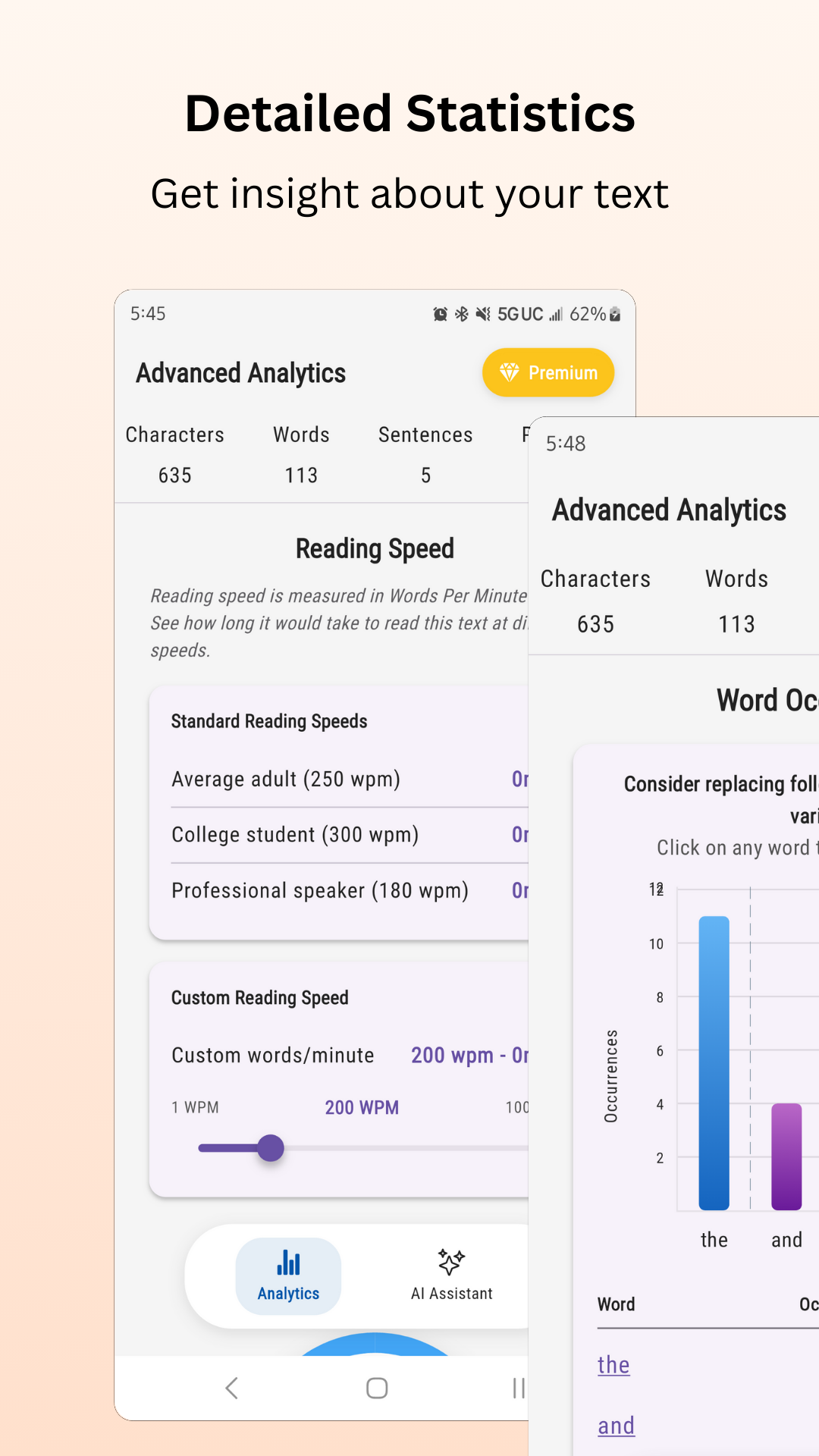
8. Reading Metrics & Readability Scores
Understand your audience with education level and reading time estimates.
9. Text-to-Speech
Listen to your content on the go—great for proofreading or multitasking.
10. Auto-Archive & History
Your past analyses are saved automatically—never lose your work.
11. OCR & File Import/Export
Scan real-world text or upload files (PDF, TXT, DOCX) for instant feedback.
12. Dark Mode & Custom Themes
Personalize your workspace with multiple themes.
Whether you’re crafting a blog, editing a report, or improving an essay, Text Analyzer AI helps you write smarter, faster, and more confidently.
✨ Download FREE today and unleash the power of AI on your words!
Open up



Is AI Text Analyzer & Writer safe for my device?
Open up
Yes, AI Text Analyzer & Writer follows the Google Play content guidelines to ensure safe use on your Android device.
What is an XAPK file, and what should I do if the AI Text Analyzer & Writer I downloaded is an XAPK file?
Open up
A file with .xapk extension is a compressed package file. It is a container file format that incorporates APK and additional associated files required for the installation.
The XAPK format was introduced to package the APK file and OBB file together for a seamless delivery and installation process.
XAPK format can help reduce the package size of application.
On mobile phones, users need to install the XAPK installer first, and then install XAPK files through that installer. You can find the installer here:https://apkcombo.com/how-to-install/. But on PC client, you just need to put the file on LDPlayer.
Can I play AI Text Analyzer & Writer on my computer?
Open up
Yes, you can play AI Text Analyzer & Writer on your computer by installing LDPlayer, an Android emulator. After installing LDPlayer, simply drag and drop the downloaded APK file into the emulator to start playing AI Text Analyzer & Writer on PC. Alternatively, you can open the emulator, search for the game or app you want to play, and install it from there.


