

Authenticator Secure App
2FA Authenticator App Ensures Secure 2FA Protection For Your Online Accounts
Wallet Assistant
Authenticator Secure App is developed and provided by Wallet Assistant.
OFF
Version1.0.6
Updated on
2024-10-29
Rating2.5
CategoryTools
Package namecom.authenticator.authentication.otp
Authenticator Secure App Description
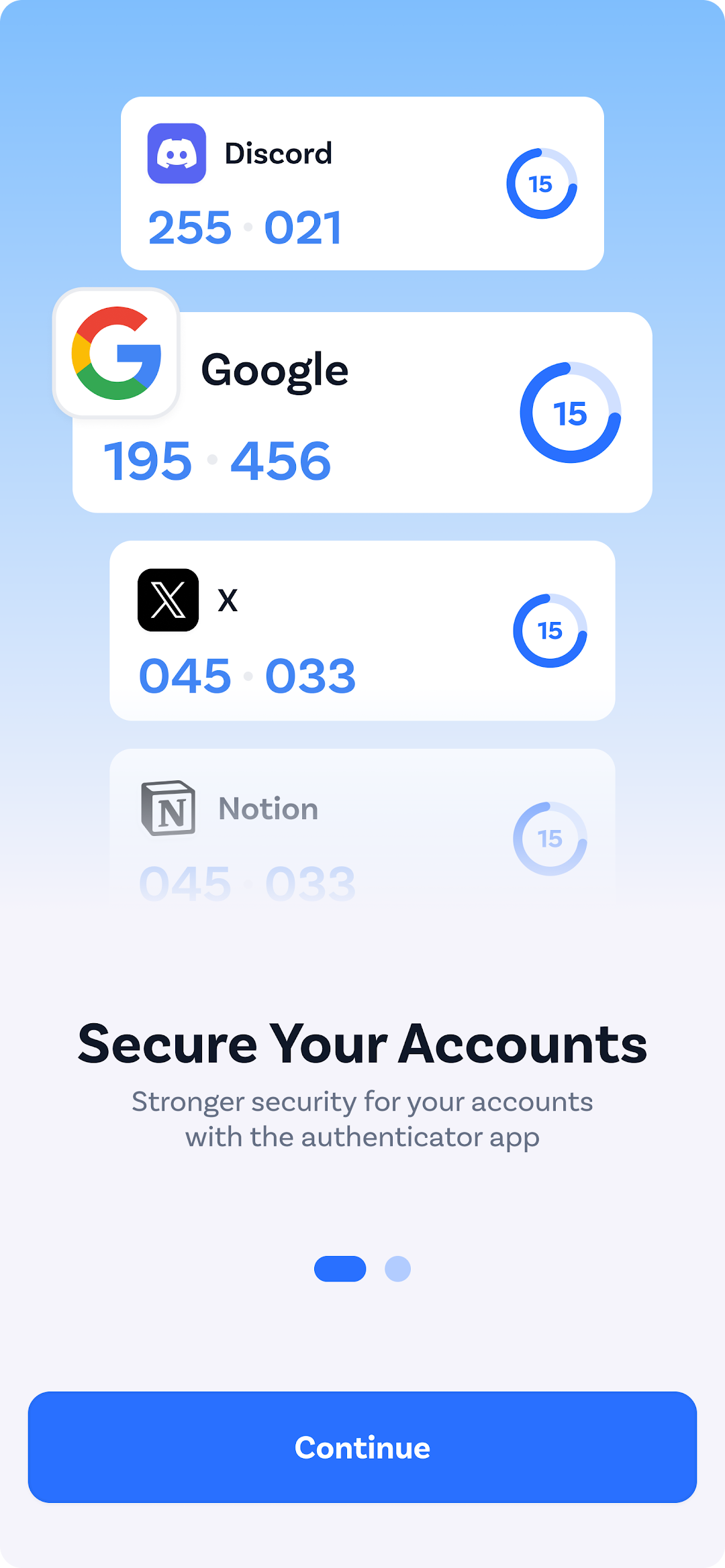
In an increasingly digital world, safeguarding your online accounts has never been more essential. With Authenticator Secure App, you can enhance your security measures and ensure your personal information stays protected. Our app provides a seamless experience for users seeking robust 2-factor authentication (2FA) solutions.
What is 2FA?
2-factor authentication, or 2FA, adds an extra layer of protection to your online accounts by requiring not only a password but also a second factor, typically a one-time code sent to your device. This significantly reduces the risk of unauthorized access. With Authenticator Secure App, you have everything you need to secure your accounts conveniently.
Key Features of Authenticator Secure App:
1. Easy Setup and Use: Setting up your Authenticator Secure App is quick and intuitive. Simply download the app, scan the QR code provided by your service, and start generating secure codes. Whether you’re tech-savvy or new to 2FA, our app is designed for everyone.
2. Secure Authentication: Our app generates time-based one-time passwords (TOTPs) that are both secure and reliable. With Authenticator Secure App, you can rest assured that your accounts are protected against unauthorized access. Your authentication data is never stored on our servers, prioritizing your security.
3. Multi-Account Support: Manage multiple accounts effortlessly with Authenticator Secure App. Our app supports a wide range of services, allowing you to use one app for all your 2-factor authentication needs. From social media to various online services, keep all your accounts secure.
4. Internet Connectivity Required: Please note that Authenticator Secure App requires an internet connection to initially set up accounts and receive codes. Once set up, you can generate your codes easily as long as your device remains connected.
5. Backup Options: Your accounts are invaluable, and while our app does not support cloud backup or device-to-device transfer, you can manually keep track of your account settings to ensure you maintain access to your 2FA authentication codes.
6. Customizable Settings: Personalize the app to fit your preferences. Set your favorite themes, manage notifications, and customize the appearance of your app. Make your Authenticator Secure App uniquely yours while ensuring your security remains a top priority.
7. Regular Updates: We are dedicated to keeping our app secure and up-to-date. Our development team regularly releases updates to enhance performance and address any potential security vulnerabilities. You can trust that Authenticator Secure App will always be equipped with the latest features.
Why Choose Authenticator Secure App?
In a landscape where cyber threats are increasingly prevalent, utilizing a 2FA solution is no longer optional—it’s a necessity. Authenticator Secure App offers an intuitive interface, robust security features, and the peace of mind that comes from knowing your online accounts are protected.
Join thousands of satisfied users who have made the switch to Authenticator Secure App and experience the difference for yourself. Download now and take control of your online security with 2FA!
Open up



Comments about Authenticator Secure App Android Version
Answer me this please? If this is supposed to be free WHY DO YOU WANT MY CREDIT CARD INFO? not that I have one to begin with. Free should be just that. Hell, we're bombarded with time wasting ads anyways, now we have to pay to be forced to watch them in order to get to prize? 🙄
Answer me this please? If this is supposed to be free WHY DO YOU WANT MY CREDIT CARD INFO? not that I have one to begin with. Free should be just that. Hell, we're bombarded with time wasting ads anyways, now we have to pay to be forced to watch them in order to get to prize? 🙄
Is Authenticator Secure App safe for my device?
Open up
Yes, Authenticator Secure App follows the Google Play content guidelines to ensure safe use on your Android device.
What is an XAPK file, and what should I do if the Authenticator Secure App I downloaded is an XAPK file?
Open up
A file with .xapk extension is a compressed package file. It is a container file format that incorporates APK and additional associated files required for the installation.
The XAPK format was introduced to package the APK file and OBB file together for a seamless delivery and installation process.
XAPK format can help reduce the package size of application.
On mobile phones, users need to install the XAPK installer first, and then install XAPK files through that installer. You can find the installer here:https://apkcombo.com/how-to-install/. But on PC client, you just need to put the file on LDPlayer.
Can I play Authenticator Secure App on my computer?
Open up
Yes, you can play Authenticator Secure App on your computer by installing LDPlayer, an Android emulator. After installing LDPlayer, simply drag and drop the downloaded APK file into the emulator to start playing Authenticator Secure App on PC. Alternatively, you can open the emulator, search for the game or app you want to play, and install it from there.


