
Internet Speed Meter
Internet speed meter used to check location of network, Wi-Fi strength gateway.
Recorder
Internet Speed Meter is developed and provided by Recorder.
Version2.1
Updated on
2024-06-14
Rating4.1
CategoryPersonalization
Package namecom.photoframefantasy
Downloads100+
Internet Speed Meter Description
This app provides an accurate network test with an internet speed tester to check the net and determine network speed. It tests download, upload, and latency speed and can be used for cellular connections and wifi speed tests. It can also be used to test cellular connections and wifi speed.
Features:
• Downloading Speed Test check.
• Real time speed update in status bar and notification.
• Uploading Speed test.
• Battery efficient.
• Graph to monitor last-minute internet movement.
• Time and usage of the current session.
• Detail statics.
• Results of internet connection.
• Check networks.
• Supports more than 50+ languages.
• Ping Rate Internet speed.
• Wi-Fi Map Location.
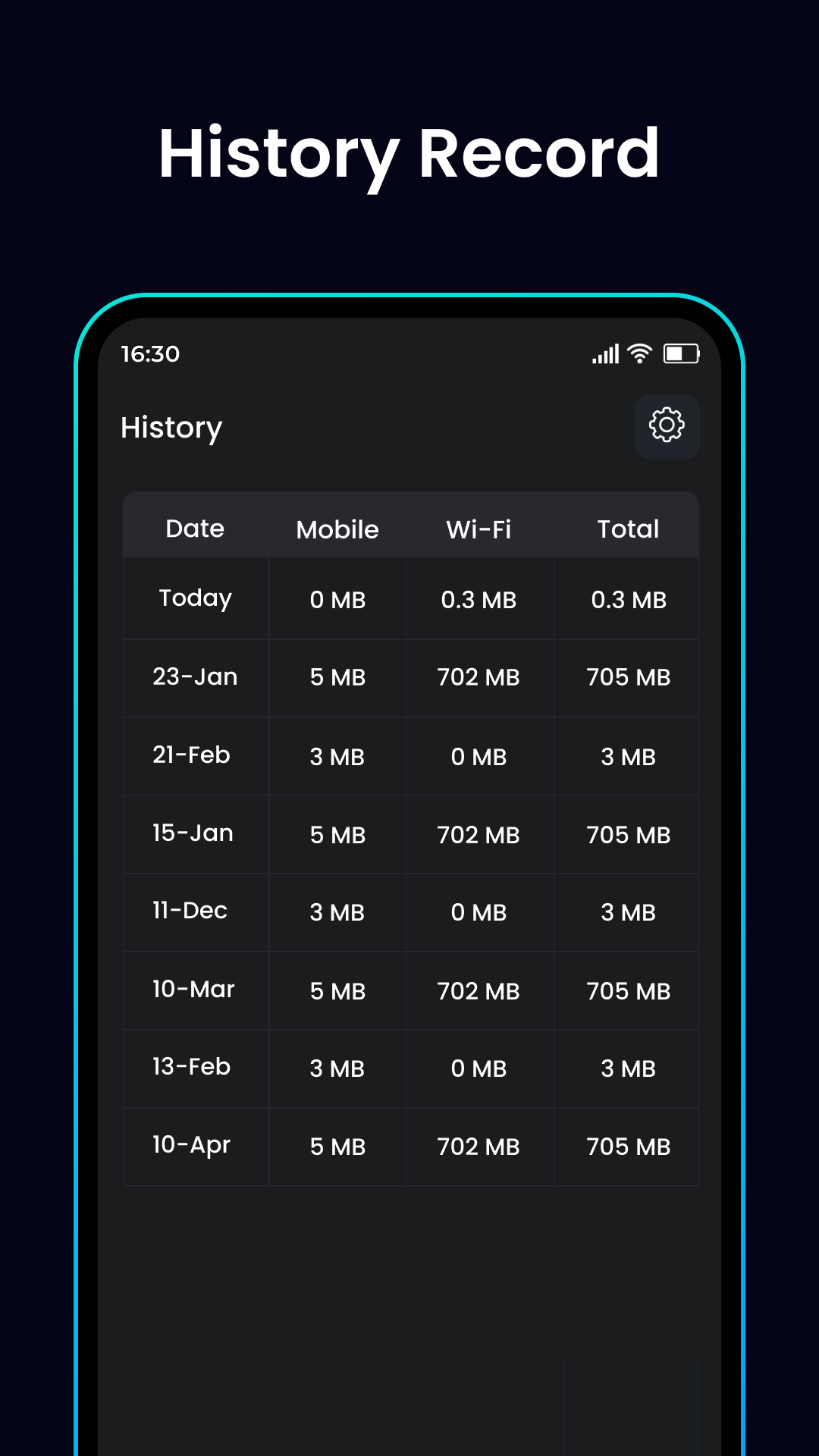
• Keep track of history.
• Service provider.
• Network signal speed.
Internet Speed Meter App allows users to check Wi-Fi signal strength and network stability, and Net Performance Test App provides advanced network data traffic to check downloads and ping rates.
Block Apps Internet Apps is a self-control app that reduces distractions and saves production time. It blocks any app's internet, allowing users to use the internet on their mobile, except for those apps blocked.
Wi-Fi Speed Checker and Map Coverage App allows users to view available network detail on a map and test speed.
The speed check app provides detailed information about 4g and 5g speed networks, which can be exported and shared in a CSV file.
Internet speed meter is a professional network speed checker that provides details such as download speed, upload speed, network signal strength and ping rate. It also checks the 2G, 3G, 4G, 5G, LTE Connection, DSL internet & hotspot connection. The frequency with perfect details will show on Analog speed meter.
Download Speed Test is an important for wi-fi analyzer users to measure upload and download speed. It provides real-time download speed values and shares basic information. It also provides better tools and utilities for wi-fi analyzer users.
Internet speed meter app is used to compare upload and download speed, allowing users to track the problem they face.
The notification area provides an easy way to monitor network usage and speed without opening a separate app. It also displays a carefully designed notification that takes minimal space and attention.
Customize the status bar to show or hide the indicator, decide where to show it, and use either bytes per second (kBps) or bits per second (kbps) to show the speed.
If you like this app, please rate it 5 stars and give valuable feedback.
Thanks.!!
Open up


Is Internet Speed Meter safe for my device?
Open up
Yes, Internet Speed Meter follows the Google Play content guidelines to ensure safe use on your Android device.
What is an XAPK file, and what should I do if the Internet Speed Meter I downloaded is an XAPK file?
Open up
A file with .xapk extension is a compressed package file. It is a container file format that incorporates APK and additional associated files required for the installation.
The XAPK format was introduced to package the APK file and OBB file together for a seamless delivery and installation process.
XAPK format can help reduce the package size of application.
On mobile phones, users need to install the XAPK installer first, and then install XAPK files through that installer. You can find the installer here:https://apkcombo.com/how-to-install/. But on PC client, you just need to put the file on LDPlayer.
Can I play Internet Speed Meter on my computer?
Open up
Yes, you can play Internet Speed Meter on your computer by installing LDPlayer, an Android emulator. After installing LDPlayer, simply drag and drop the downloaded APK file into the emulator to start playing Internet Speed Meter on PC. Alternatively, you can open the emulator, search for the game or app you want to play, and install it from there.


