Home/

Apps/

Productivity/

CxStudio - C/C++ IDE

CxStudio - C/C++ IDE

CxStudio - C/C++ IDE

A powerful C/C++ IDE for developing C/C++ programs on your android device.

ALIF Technology

CxStudio - C/C++ IDE is developed and provided by ALIF Technology.

Version3.1.0
Updated on 2024-12-05
Rating4.1
CategoryProductivity
Package namecom.alif.ide.cpp
Downloads100+

CxStudio - C/C++ IDE Description

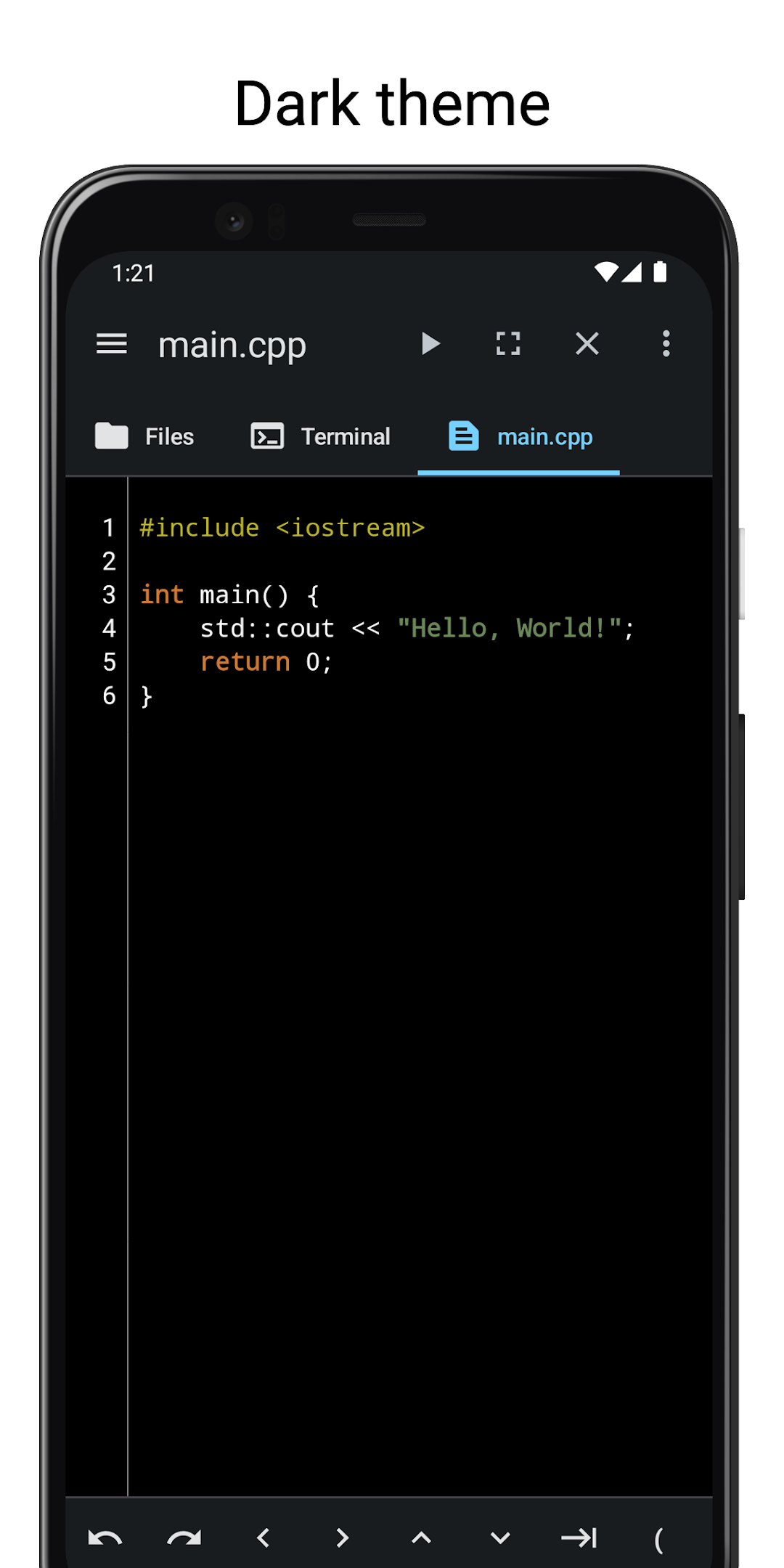
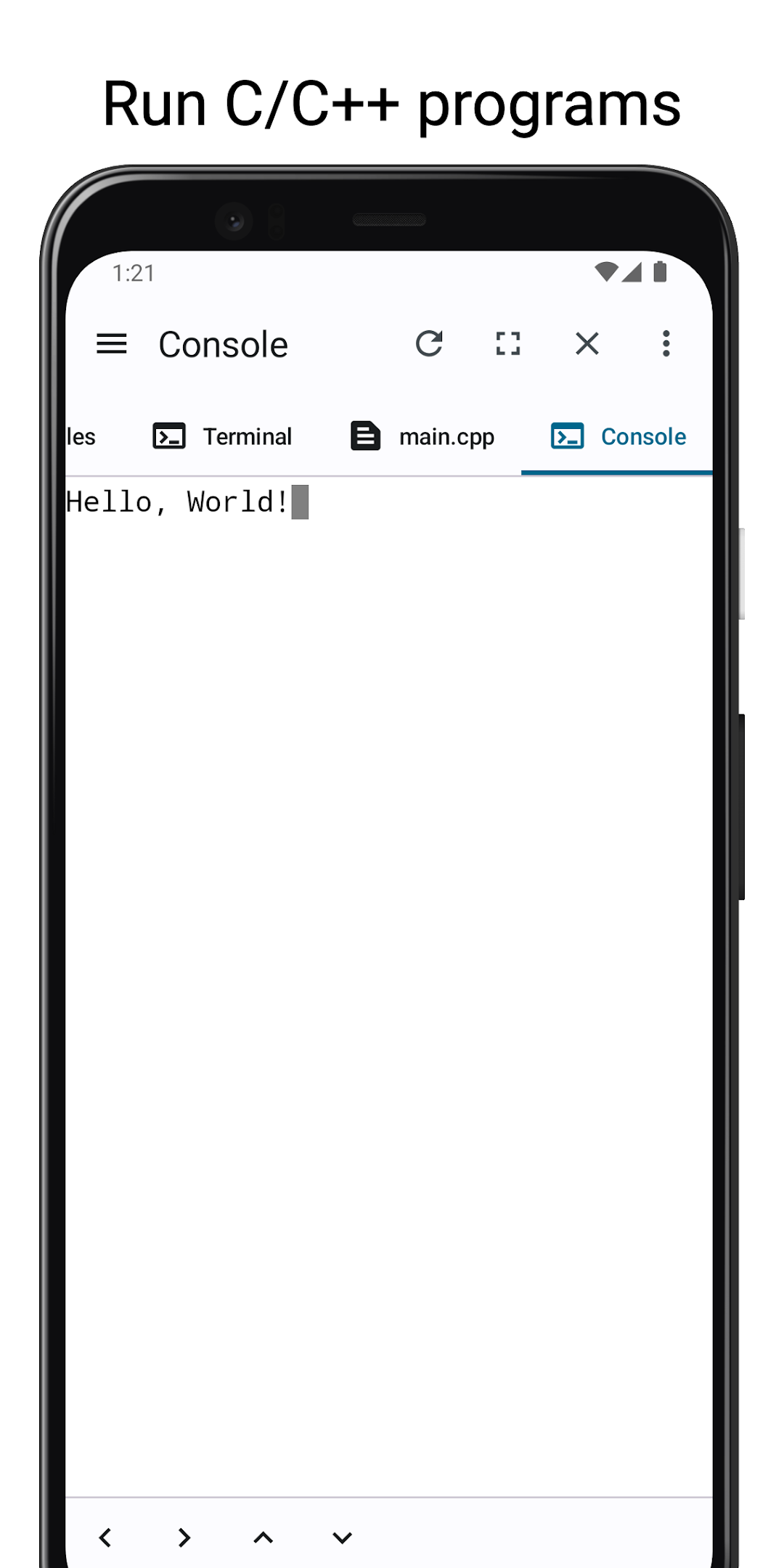
CxStudio is an integrated development environment(IDE) for developing C/C++ programs on your device.
It comes with a C/C++ compiler(clang) preinstalled as well as make and cmake.

Features


Editor
- Auto backup if you leave the app without saving.
- Undo and Redo.
- Support for characters not normally present in the virtual keyboard like tabs and arrows.

Terminal
- Preinstalled with clang, make, cmake, bash etc
- Access the shell and commands that ship with android.
- Support for tab and arrows even if the virtual keyboard lacks them.

File Manager
- Access your files without leaving the app.
- Copy, Paste and Delete.
Open up

Comments about CxStudio - C/C++ IDE Android Version

It's the best c language coding app but I have a problem with the function of tab. It literally works the same as the space. I have the indentation of 4 spaces and each time I want to put a indent, I have click the space bar 4 times as the TAB shows in tool bar works the same! Please fix this.
tbh it is a very good app for coding c++ , the best thing is that there are no adds , a good environment to code , a very good for coding and learning c++
After downloading the application, I'm not sure if there's additional setup needed because it's not running any code; instead, it keeps showing the error "clang-15: error: no such file or directory" and "Clang 15: error: no input files."
It's the best c language coding app but I have a problem with the function of tab. It literally works the same as the space. I have the indentation of 4 spaces and each time I want to put a indent, I have click the space bar 4 times as the TAB shows in tool bar works the same! Please fix this.
tbh it is a very good app for coding c++ , the best thing is that there are no adds , a good environment to code , a very good for coding and learning c++
After downloading the application, I'm not sure if there's additional setup needed because it's not running any code; instead, it keeps showing the error "clang-15: error: no such file or directory" and "Clang 15: error: no input files."

Is CxStudio - C/C++ IDE safe for my device?

Open up

Yes, CxStudio - C/C++ IDE follows the Google Play content guidelines to ensure safe use on your Android device.

What is an XAPK file, and what should I do if the CxStudio - C/C++ IDE I downloaded is an XAPK file?

Open up

A file with .xapk extension is a compressed package file. It is a container file format that incorporates APK and additional associated files required for the installation. The XAPK format was introduced to package the APK file and OBB file together for a seamless delivery and installation process. XAPK format can help reduce the package size of application. On mobile phones, users need to install the XAPK installer first, and then install XAPK files through that installer. You can find the installer here:https://apkcombo.com/how-to-install/. But on PC client, you just need to put the file on LDPlayer.

Can I play CxStudio - C/C++ IDE on my computer?

Open up

Yes, you can play CxStudio - C/C++ IDE on your computer by installing LDPlayer, an Android emulator. After installing LDPlayer, simply drag and drop the downloaded APK file into the emulator to start playing CxStudio - C/C++ IDE on PC. Alternatively, you can open the emulator, search for the game or app you want to play, and install it from there.

Program Available in Other Languages