
QR Scan PRO
Fast QR scanning. Copy, share. Customizable settings. Futuristic design.
Dunapant Solutions
QR Scan PRO is developed and provided by Dunapant Solutions.
VersionVaries with device
Updated on
2023-08-10
Rating4
CategoryTools
Package namedev.dunapant.qrscanpro
Downloads100+
QR Scan PRO Description
The app also features customizable settings, allowing you to tailor the experience to your preferences. From notifications to privacy settings, you have full control over how the app functions.
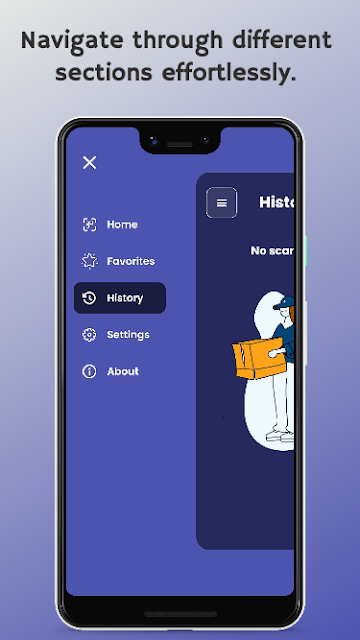
QR Scan PRO boasts a futuristic design that enhances the user experience. Its sleek and modern interface provides a visually appealing environment while you work with QR codes.
Simplify your digital life with QR Scan PRO – the all-in-one solution for QR code scanning. Download the app now and experience fast scanning, easy content sharing, customizable settings, and a futuristic design.
Open up


Is QR Scan PRO safe for my device?
Open up
Yes, QR Scan PRO follows the Google Play content guidelines to ensure safe use on your Android device.
What is an XAPK file, and what should I do if the QR Scan PRO I downloaded is an XAPK file?
Open up
A file with .xapk extension is a compressed package file. It is a container file format that incorporates APK and additional associated files required for the installation.
The XAPK format was introduced to package the APK file and OBB file together for a seamless delivery and installation process.
XAPK format can help reduce the package size of application.
On mobile phones, users need to install the XAPK installer first, and then install XAPK files through that installer.
But on PC client, you just need to put the file on LDPlayer.
Can I play QR Scan PRO on my computer?
Open up
Yes, you can play QR Scan PRO on your computer by installing LDPlayer, an Android emulator. After installing LDPlayer, simply drag and drop the downloaded APK file into the emulator to start playing QR Scan PRO on PC. Alternatively, you can open the emulator, search for the game or app you want to play, and install it from there.


