

Hue Pro is developed and provided by Prismatic LLC. LDPlayer offers the download service only.
Rating4
CategoryLifestyle
Package namecom.benchevoor.huepro
Downloads100+
Hue Pro Description
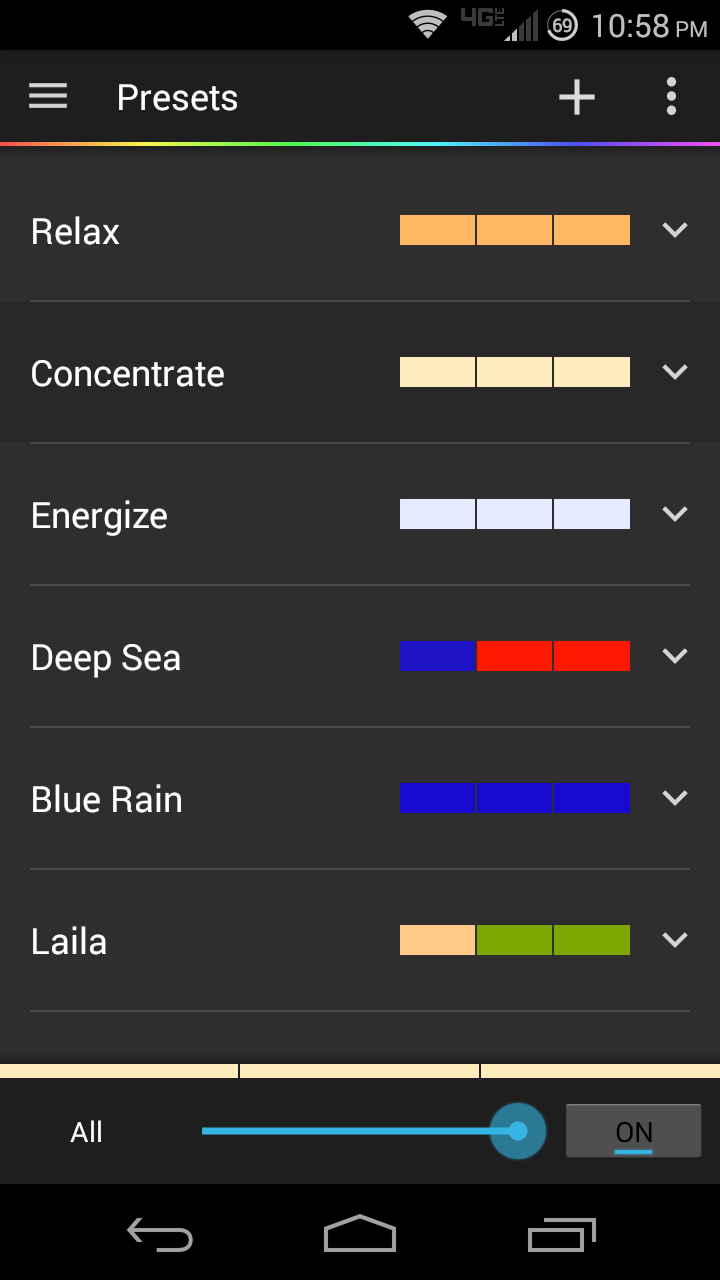
Hue Pro is designed to make using your Hue lighting system much easier and more convenient. With Hue Pro's Wifi Detection, you can have your lights turn on to a preset of your choice as you walk in your home's door! Or turn off as you leave! (These features have been moved to a separate app called Hue Pro Tasker. Check it out!)
With Hue Pro, you can even control your lights away from home! (Forwarding port 80 on your router to the bridge) Documentation on how to do this is inside the application!
Hue Pro Lava Lamp! Turn your room into a live lava lamp! Take full control of your Hue lighting system with everything at your finger tips.
Music mode! Have Hue Pro listen to your music through your microphone and change the lights to the beat!
NEW: Animated Presets! Create awesome looking progressive presets that change color how you decide!
** Lava lamp and Music mode are no longer an in-app purchase if purchased on or after December 19, 2016. They are now free :) **
Key features:
- Lighting presets
- Animated lighting presets
- Create alarms and timers
- Wifi Detection
- Control your lights away from home
- Widget control
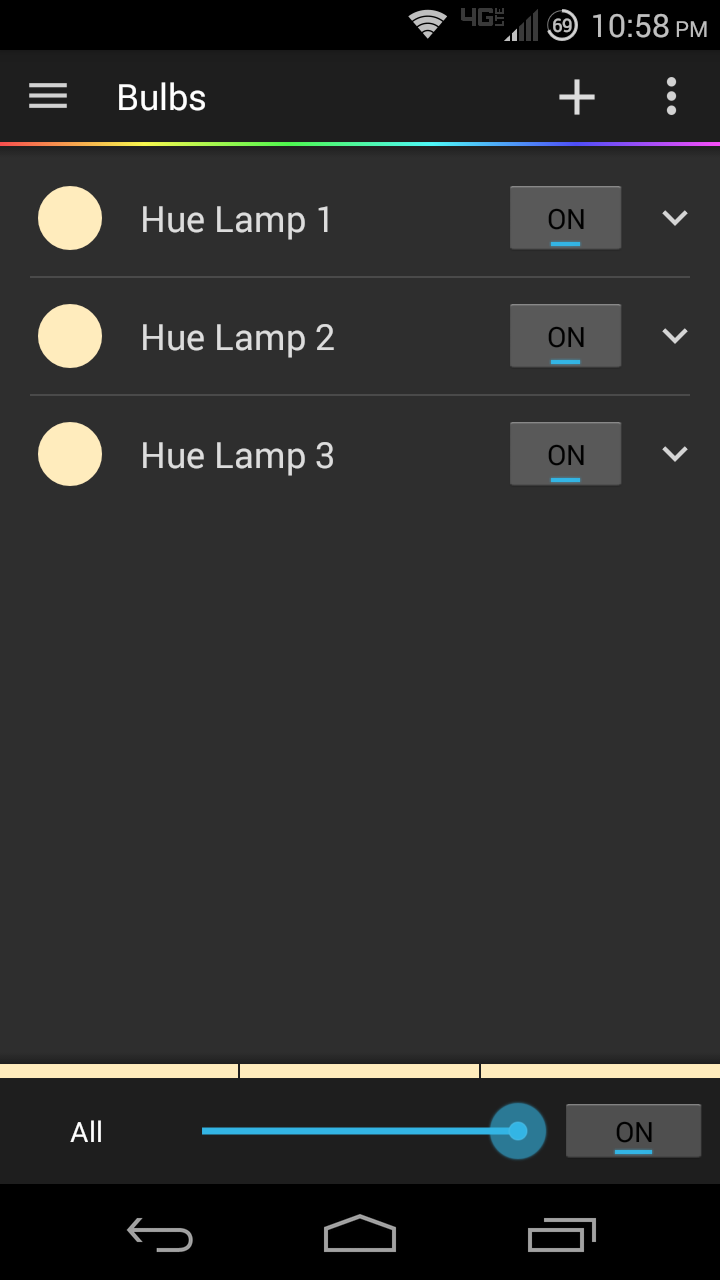
- Light grouping
- Lava lamp
- Music integration
- Export / import settings
Tested devices:
- Galaxy Nexus, Nexus 5, 6, 7
- Pixel, Pixel XL
- Moto X, Moto X Pure
- Galaxy S3,S4,S5,S6,S7
- Galaxy Note 5
- Galaxy Tab 4
- Droid 4
- Droid RAZR MAXX
- Original Droid
- Transformer Tablet
Contact Hue Pro at help@hueproapp.com with comments, concerns, and suggestions!
Open up

Currently, Hue Pro APK download is not available. Please proceed to download from the Google Play Store.
Get from Play Store
1. Click "Get from Play Store
2. Download Hue Pro from the Play Store
3. Launch and enjoy Hue Pro
Comments about Hue Pro Android Version
Latest update fully breaks the app once power was lost to the bridge. It will then search for the bridge for ever, not letting you into the app, without giving you the chance to search on the network. Unless you have a complete backup of your settings, enjoy reconfiguring the app once you manually delete all "data" to get it to start again. You will even have to re-authorize the bridge.
Seems to be abandoned. I've been using this app for a few years now and was originally a fan. I recently moved and set all my lights up again and started setting up animation presets again. Unfortunately, the don't seem to run unless I have the app open and phone unlocked. After spending awhile troubleshooting and checking permissions, I realized this app hasn't even been updated in almost 2 years. Guess I'll look for something else.
At one time it was the best app for controlling your lights. But time has moved on and this app hasn't. Bulbs are presented as an unsorted list that can't be reordered. Presets are stored locally by default, and stick around if you switch bridges which makes no sense. Has bug that mixes up lights in presets, causing the wrong lights to come on. Settings don't transfer properly to second devices. Managing bridge resources is practically impossible because of the lousy interface. The list grows longer and now the developer is AWOL. Use something else.
Latest update fully breaks the app once power was lost to the bridge. It will then search for the bridge for ever, not letting you into the app, without giving you the chance to search on the network. Unless you have a complete backup of your settings, enjoy reconfiguring the app once you manually delete all "data" to get it to start again. You will even have to re-authorize the bridge.
Seems to be abandoned. I've been using this app for a few years now and was originally a fan. I recently moved and set all my lights up again and started setting up animation presets again. Unfortunately, the don't seem to run unless I have the app open and phone unlocked. After spending awhile troubleshooting and checking permissions, I realized this app hasn't even been updated in almost 2 years. Guess I'll look for something else.
At one time it was the best app for controlling your lights. But time has moved on and this app hasn't. Bulbs are presented as an unsorted list that can't be reordered. Presets are stored locally by default, and stick around if you switch bridges which makes no sense. Has bug that mixes up lights in presets, causing the wrong lights to come on. Settings don't transfer properly to second devices. Managing bridge resources is practically impossible because of the lousy interface. The list grows longer and now the developer is AWOL. Use something else.
Is Hue Pro safe for my device?
Open up
Yes, Hue Pro follows the Google Play content guidelines to ensure safe use on your Android device.
What is an XAPK file, and what should I do if the Hue Pro I downloaded is an XAPK file?
Open up
A file with .xapk extension is a compressed package file. It is a container file format that incorporates APK and additional associated files required for the installation.
The XAPK format was introduced to package the APK file and OBB file together for a seamless delivery and installation process.
XAPK format can help reduce the package size of application.
On mobile phones, users need to install the XAPK installer first, and then install XAPK files through that installer. You can find the installer here:https://apkcombo.com/how-to-install/. But on PC client, you just need to put the file on LDPlayer.
Can I play Hue Pro on my computer?
Open up
Yes, you can play Hue Pro on your computer by installing LDPlayer, an Android emulator. After installing LDPlayer, simply drag and drop the downloaded APK file into the emulator to start playing Hue Pro on PC. Alternatively, you can open the emulator, search for the game or app you want to play, and install it from there.


