

OVpay is developed and provided by Translink Customer Care.
Version1.363.2
Updated on
2024-12-11
Rating2.6
CategoryTravel&Local
Package namenl.tls.ovpay
Downloads100+
OVpay Description
Meet the OVpay app:
• Confirm check-ins and check-outs
Not sure if you’ve checked in or out? Find out under ‘Journeys’. You can also opt to get a notification every time you check in or out.
• Adjust missed check-ins or check-outs
Forgotten to check in or out? No problem! You can adjust missed check-ins and check-outs in the app. Up to 60 days after your journey.
• All journeys and travel costs in a one overview
View all your journeys and travel costs from the past 18 months under ‘Journeys’.
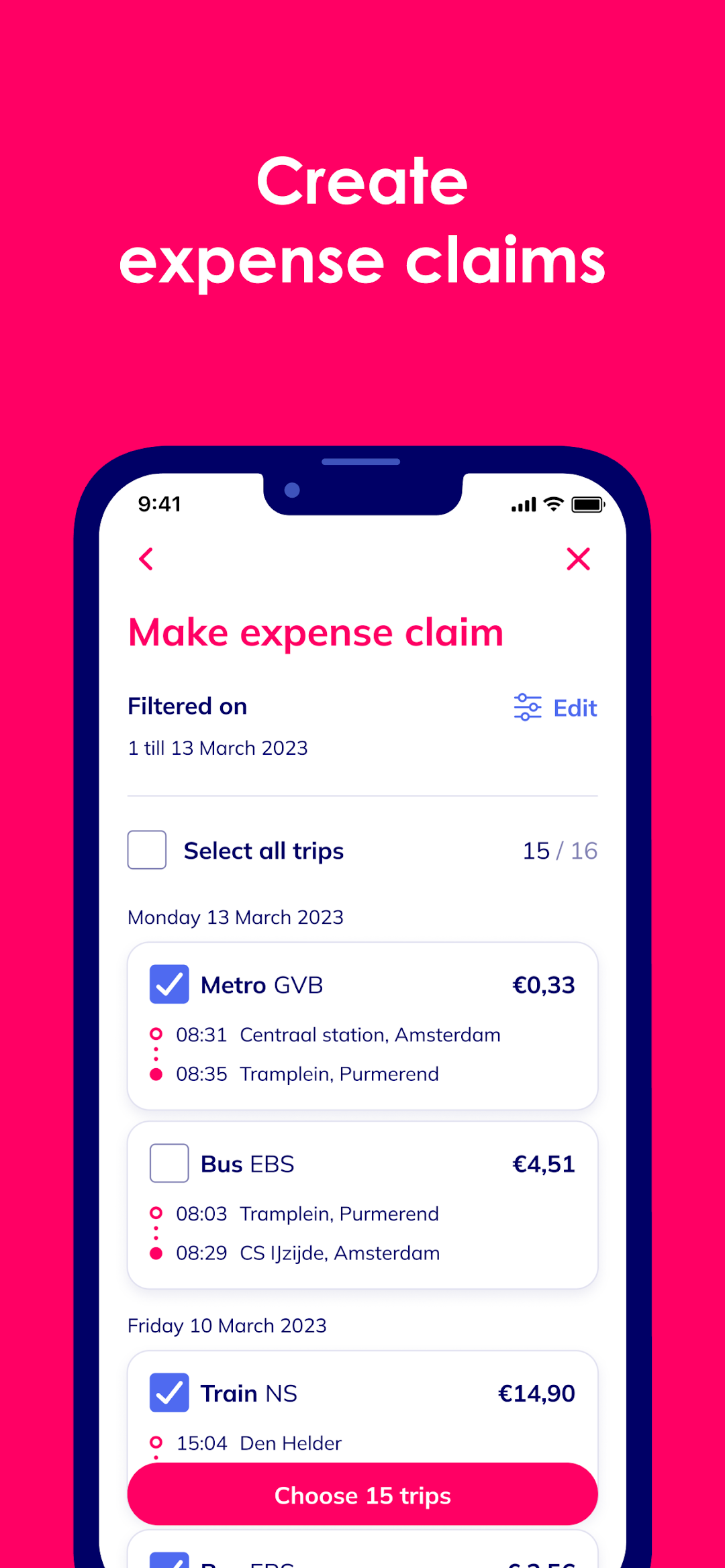
• Create travel expense overviews
Send travel expense overviews to your employer straight from the app. Or have it email you a PDF. All you need to do is select the month and trips—the app will take care of the rest!
• Add multiple cards
You can now add up to 10 cards to the app. Give them a name and colour so you can easily keep them apart. Perfect if you use different cards for travel.
• Add your age-based discount
If you qualify for a 34% age-based discount, you can add it to your card. In the app, share your name, date of birth and a photo and you’re good to go.
We’re always working to add new features. Keep an eye on our website, Instagram or Facebook for the latest news.
About OVpay
OVpay is a collaboration between Translink, all major Dutch banks, and Dutch public transport operators: Arriva, EBS, GVB, HTM, Keolis, NS, Qbuzz, RET, and Transdev.
This is the accompanying app for OVpay. With OVpay, you can check in and out with your contactless card or phone instead of an OV-chipkaart.
Privacy
With OVpay, you choose how you want to check in and out. We need some of your personal details to make it work, but we believe you should be the one who decides how your details are used, and who uses them. Learn how we process and protect your personal details in your privacy statement (www.ovpay.nl/privacy).
Open up


Is OVpay safe for my device?
Open up
Yes, OVpay follows the Google Play content guidelines to ensure safe use on your Android device.
What is an XAPK file, and what should I do if the OVpay I downloaded is an XAPK file?
Open up
A file with .xapk extension is a compressed package file. It is a container file format that incorporates APK and additional associated files required for the installation.
The XAPK format was introduced to package the APK file and OBB file together for a seamless delivery and installation process.
XAPK format can help reduce the package size of application.
On mobile phones, users need to install the XAPK installer first, and then install XAPK files through that installer. You can find the installer here:https://apkcombo.com/how-to-install/. But on PC client, you just need to put the file on LDPlayer.
Can I play OVpay on my computer?
Open up
Yes, you can play OVpay on your computer by installing LDPlayer, an Android emulator. After installing LDPlayer, simply drag and drop the downloaded APK file into the emulator to start playing OVpay on PC. Alternatively, you can open the emulator, search for the game or app you want to play, and install it from there.


