

Randomizer: Decision Maker
Need to decide? Use Randomizer for fast, fun, and customizable choices!
Anatolie Marinescu
Randomizer: Decision Maker is developed and provided by Anatolie Marinescu. LDPlayer offers the download service only.
OFF
Version1.2
Updated on
1970-01-21
Rating4
CategoryTools
Package namecom.amarinescu.randomizer
Randomizer: Decision Maker Description
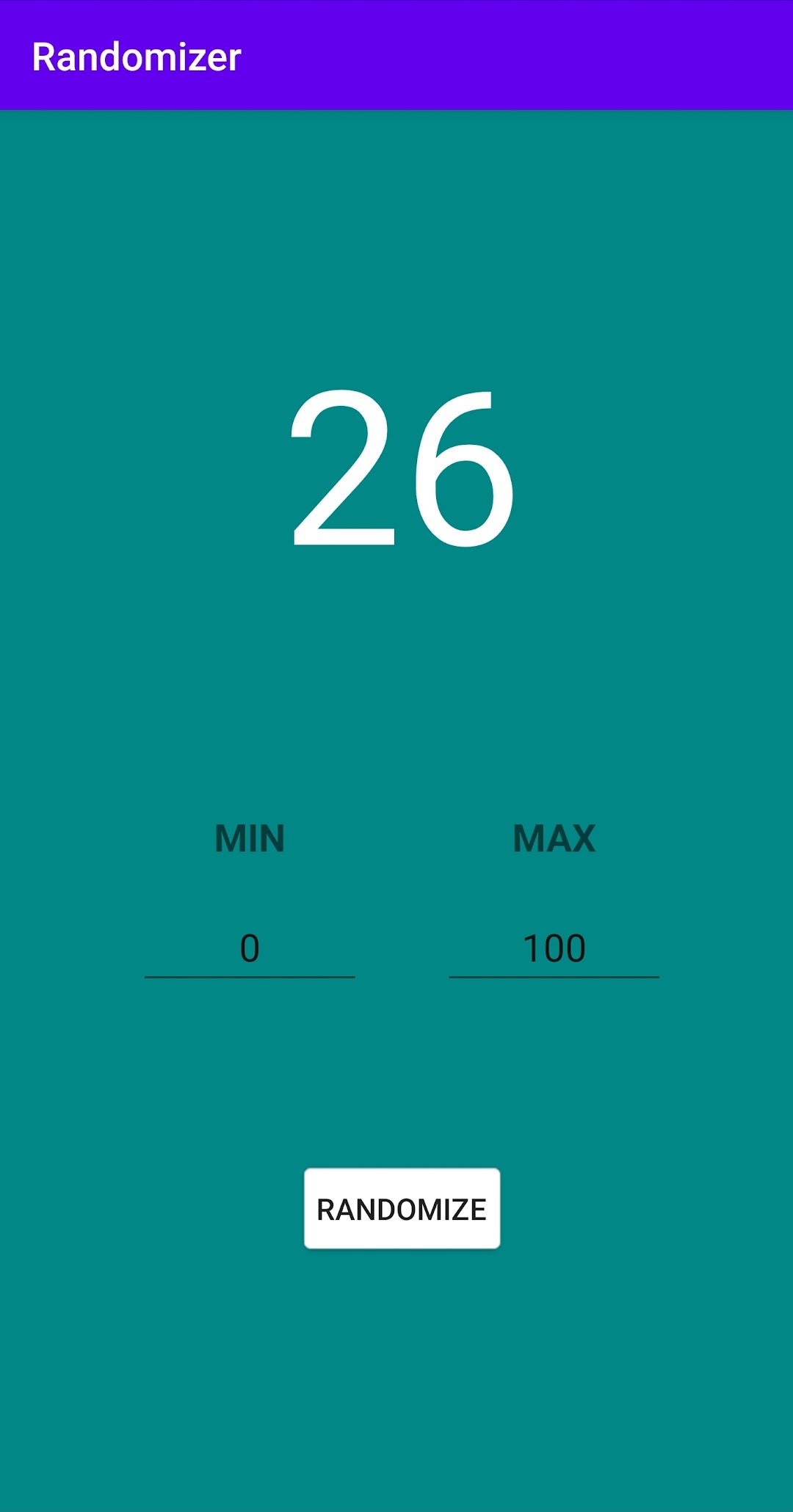
Struggling to make a decision? Whether it’s picking a restaurant, a random number, or deciding what to wear, Randomizer is your ultimate tool for fast and easy decisions. It's the best way to leave fate in charge—just spin the wheel, roll the dice, or make any random choice with a tap of your finger!
Features:
Customizable Random Choices: Create your own lists for the randomizer—choose between numbers, words, or custom inputs like tasks, names, or food options.
Wheel Spinner: Spin a customizable wheel with your own set of options to let randomness guide your decision-making.
Dice Roller: Roll up to a 6-sided or 20-sided die for all your number-based randomizing needs.
Coin Flip: Need to choose between two options? Flip a virtual coin and leave the decision to chance.
Random Name Picker: Quickly pick a random name from a list—perfect for raffles or group games.
Save Your Options: Create multiple lists and save them for later use—no need to re-enter your choices every time.
Simple & Fun Interface: Enjoy a sleek, modern design that's easy to use for anyone—no complicated steps required.
Why Choose Randomizer?
Fast & Easy: Make any decision with just a tap or spin.
Fun to Use: Engaging, colorful, and interactive features make decision-making fun.
Fully Customizable: Tailor the app to suit your needs—add your own lists, create custom wheels, or set up specific parameters for random picks.
Perfect for Everyone: Whether you’re playing games, choosing team members, selecting a winner for a contest, or just need to pick a number, Randomizer is your go-to app!
Use Cases:
Games: Whether you're picking teams for a game or selecting winners for a contest, Randomizer has got you covered!
Decision Making: Whether it’s what to eat for dinner, which movie to watch, or where to travel next, let Randomizer make the choice for you!
Fun & Entertainment: Spin the wheel and see what happens next! With endless possibilities, you'll always find a new way to have fun with Randomizer.
Work & Organization: Pick random tasks, projects, or even colleagues for quick decision-making in the workplace.
Why You’ll Love Randomizer:
No Ads (Optional if applicable): Enjoy an ad-free experience for smooth, uninterrupted use (if you have a paid version).
Completely Free: Get started without spending a dime and make decisions instantly.
Simple, Reliable, and Powerful: All the features you need without the unnecessary clutter—just quick and reliable randomization at your fingertips.
Download Randomizer today and start making decisions with fun and ease! Whether you're choosing numbers, names, or spinning a wheel, it’s the easiest way to leave decisions to chance.
Random Picker, Decision Maker, Random Wheel, Random Number Generator, Spin the Wheel, Dice Roller, Coin Flip, Randomizer App, Pick a Winner, Random Name Generator, Fun Decision App, Quick Decision Maker.
Open up


Currently, Randomizer: Decision Maker APK download is not available. Please proceed to download from the Google Play Store.
Randomizer: Decision Maker is temporarily not supported for download from Google Play. You can directly download the APK from this page.
Is Randomizer: Decision Maker safe for my device?
Open up
Yes, Randomizer: Decision Maker follows the Google Play content guidelines to ensure safe use on your Android device.
What is an XAPK file, and what should I do if the Randomizer: Decision Maker I downloaded is an XAPK file?
Open up
A file with .xapk extension is a compressed package file. It is a container file format that incorporates APK and additional associated files required for the installation.
The XAPK format was introduced to package the APK file and OBB file together for a seamless delivery and installation process.
XAPK format can help reduce the package size of application.
On mobile phones, users need to install the XAPK installer first, and then install XAPK files through that installer. You can find the installer here:https://apkcombo.com/how-to-install/. But on PC client, you just need to put the file on LDPlayer.
Can I play Randomizer: Decision Maker on my computer?
Open up
Yes, you can play Randomizer: Decision Maker on your computer by installing LDPlayer, an Android emulator. After installing LDPlayer, simply drag and drop the downloaded APK file into the emulator to start playing Randomizer: Decision Maker on PC. Alternatively, you can open the emulator, search for the game or app you want to play, and install it from there.


