

BrainFlip is developed and provided by Memin App.
OFF
Version1.0.3
Updated on
1970-01-21
Rating4
CategoryPuzzle
Package namecom.meminapp.aklimda
BrainFlip Description
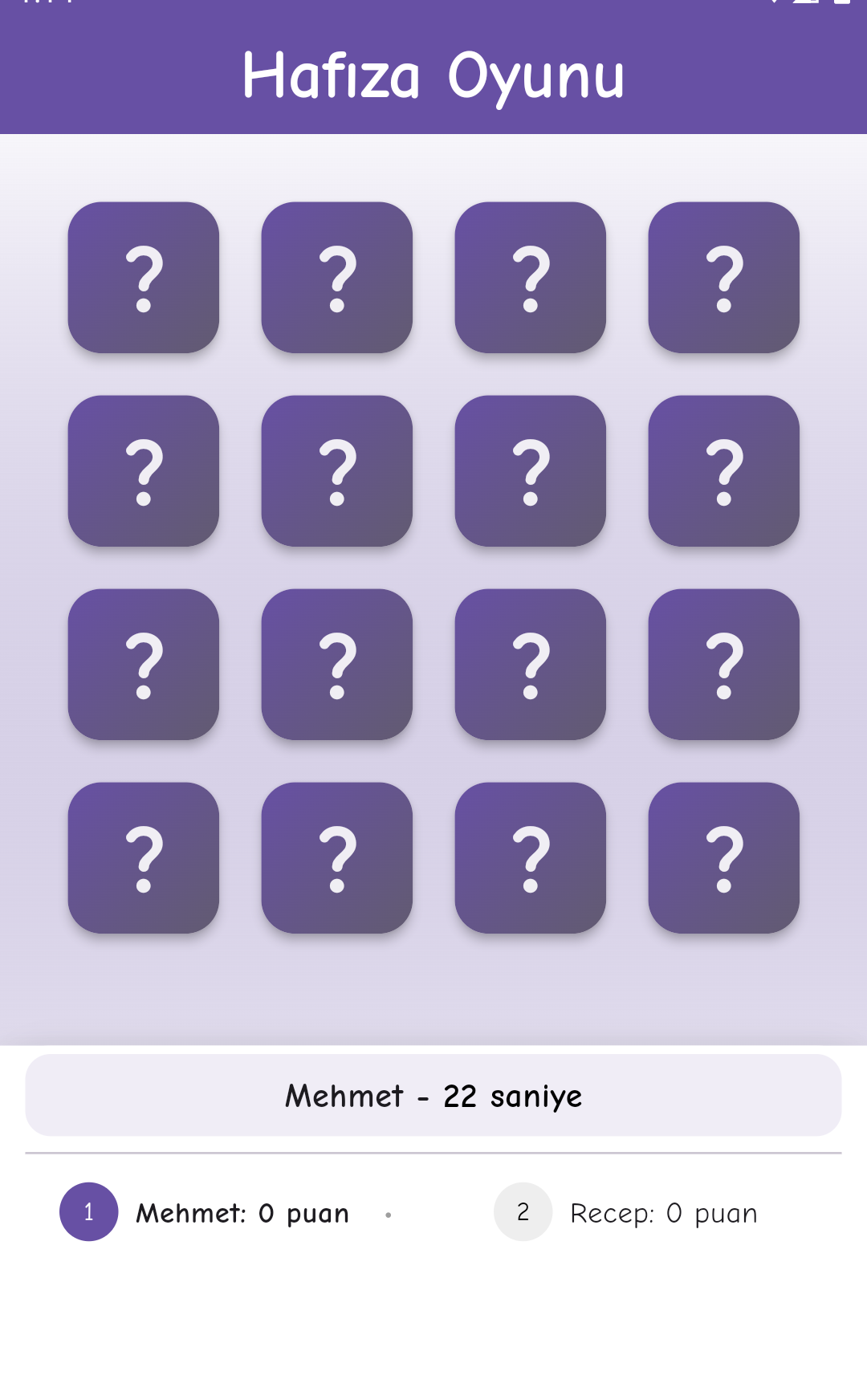
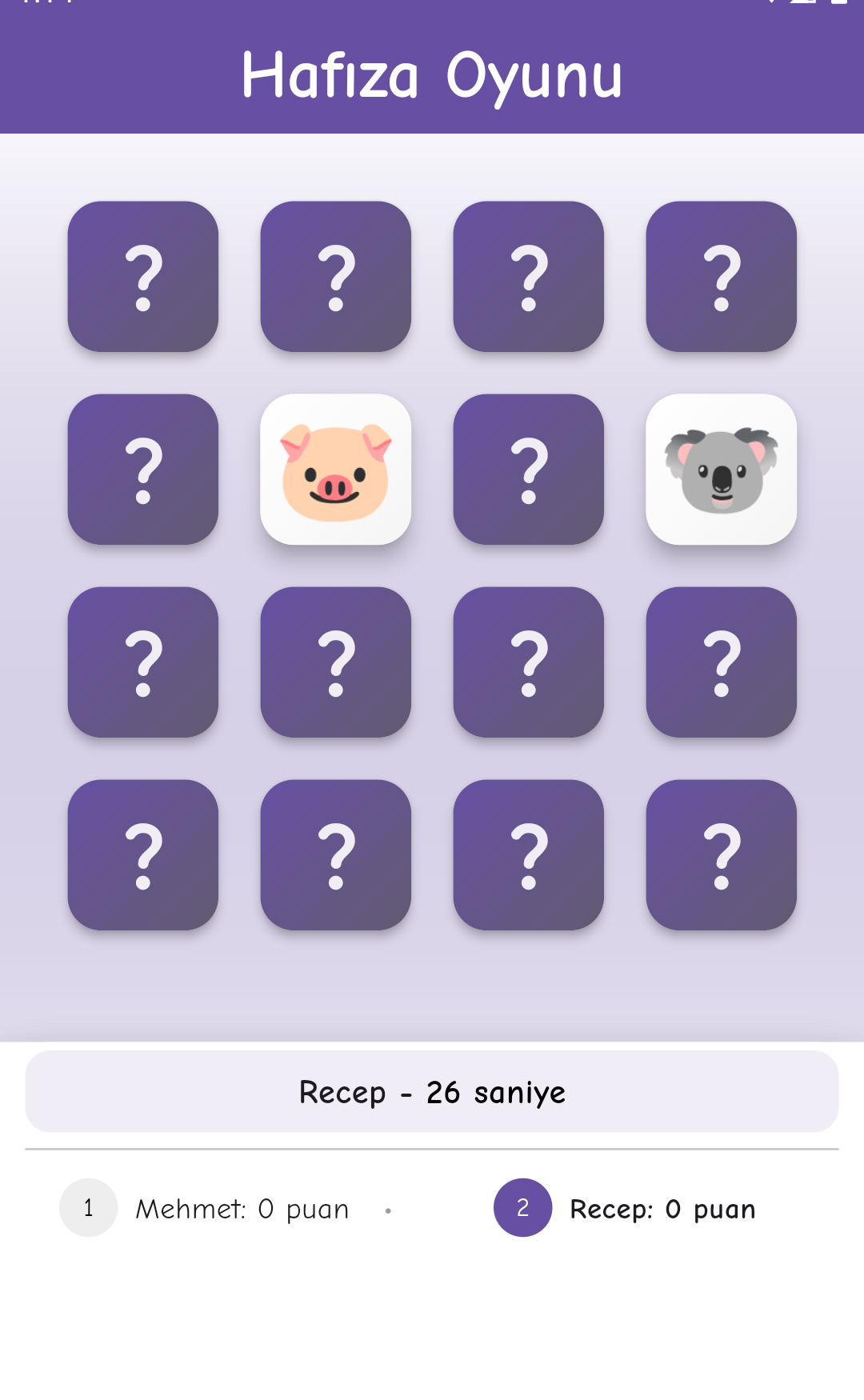
BrainFlip is a fun puzzle game that challenges your brain power. This game enhances your memory with various card-matching tasks while keeping you entertained. Match the cards correctly, think fast, and develop strategies to clear each level. Successful players earn extra moves and can increase their intelligence score to test their skills.
Features:
Fun and addictive card-matching gameplay
Increasing difficulty levels as you progress
Extra moves for players who match cards correctly
Simple yet engaging graphics with relaxing music
Suitable for both kids and adults
BrainFlip is the perfect game for anyone who wants to keep their mind active at any age. Each level will challenge your mental capacity and test your speed. Matching the cards correctly offers a fun and educational experience. Download now and start playing to boost your memory and have fun!
Open up


Is BrainFlip safe for my device?
Open up
Yes, BrainFlip follows the Google Play content guidelines to ensure safe use on your Android device.
What is an XAPK file, and what should I do if the BrainFlip I downloaded is an XAPK file?
Open up
A file with .xapk extension is a compressed package file. It is a container file format that incorporates APK and additional associated files required for the installation.
The XAPK format was introduced to package the APK file and OBB file together for a seamless delivery and installation process.
XAPK format can help reduce the package size of application.
On mobile phones, users need to install the XAPK installer first, and then install XAPK files through that installer. You can find the installer here:https://apkcombo.com/how-to-install/. But on PC client, you just need to put the file on LDPlayer.
Can I play BrainFlip on my computer?
Open up
Yes, you can play BrainFlip on your computer by installing LDPlayer, an Android emulator. After installing LDPlayer, simply drag and drop the downloaded APK file into the emulator to start playing BrainFlip on PC. Alternatively, you can open the emulator, search for the game or app you want to play, and install it from there.


