

BrainFlip: Memory Master
Train your brain with BrainFlip! Match cards, boost memory, and have fun!
Preschool play N learn games for kids @Aashri Apps
BrainFlip: Memory Master is developed and provided by Preschool play N learn games for kids @Aashri Apps. LDPlayer offers the download service only.
Version3.0
Updated on
2025-01-19
Rating4
CategoryPuzzle
Package namecom.aashriapps.memorygame
BrainFlip: Memory Master Description
Unleash the full potential of your memory with BrainFlip: Memory Master! This addictive and engaging memory-matching game is perfect for players of all ages. Designed to challenge your brain and improve cognitive skills, BrainFlip combines fun gameplay with mental training to keep you sharp, focused, and entertained.
How to Play
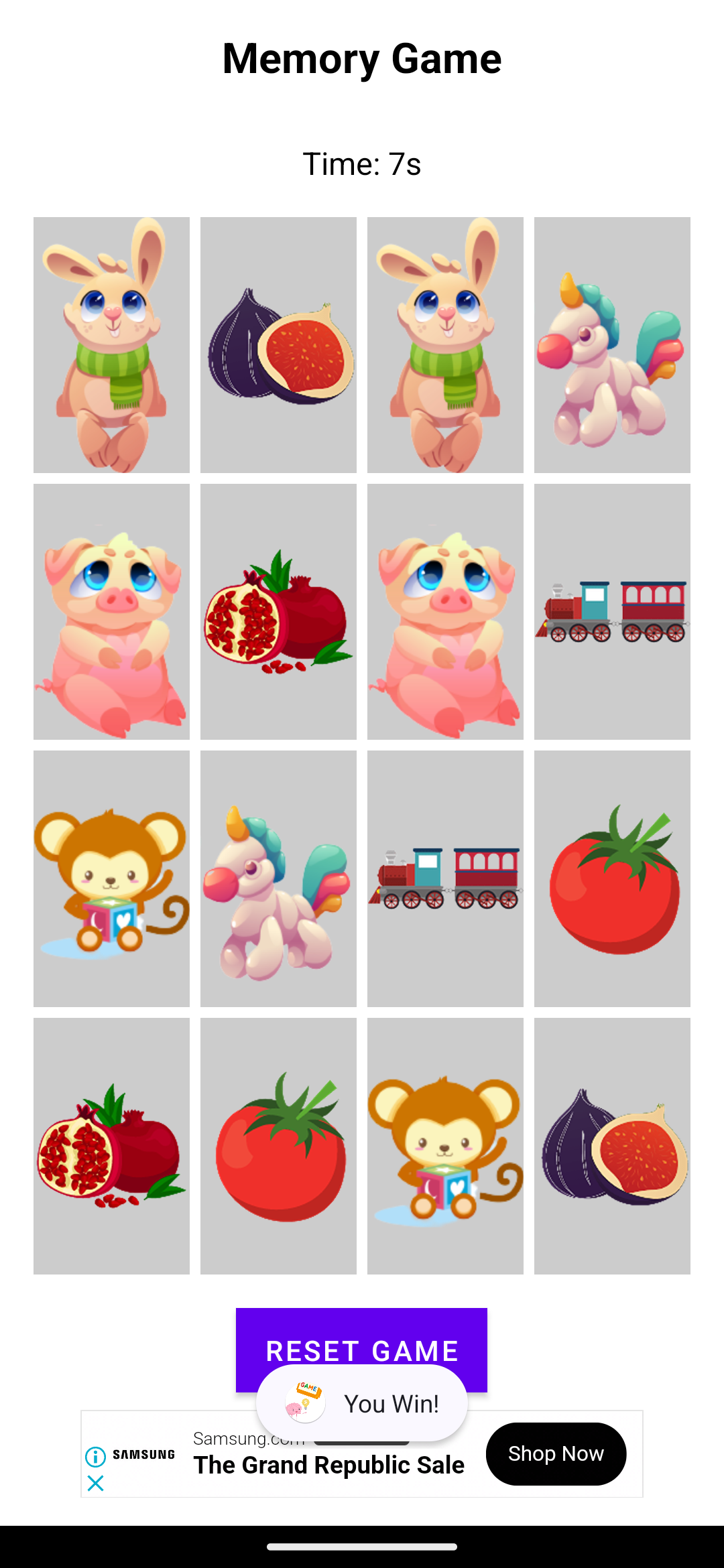
Flip over two cards to reveal what's hidden underneath.
Match the pairs with the same image .
Clear the board by finding all the pairs!
But watch out – the clock is ticking! How fast can you match them all?
Features You'll Love
🧠 Brain Training:
Boost your memory, attention, and concentration through fun and interactive gameplay.
🌟 Exciting Themes:
Explore beautifully designed card sets, including animals, fruits, numbers, emojis, and more!
⏱️ Time-Based Challenges:
Compete against the clock or take your time in relaxed mode for a stress-free experience.
👨👩👧👦 For Everyone:
Perfect for kids, adults, and seniors – anyone looking for a fun way to stay mentally active.
Why Choose BrainFlip?
Beautiful Graphics: Enjoy vibrant and high-quality visuals that make every match a treat for the eyes.
Relaxing Sounds: Immerse yourself in soothing music while you play.
Offline Play: No internet? No problem! BrainFlip works offline, so you can play anywhere, anytime.
Free Updates: Enjoy regular updates with new card themes, features, and improvements!
Benefits of Playing BrainFlip
Sharpen your memory and improve recall speed.
Enhance your cognitive abilities and concentration.
Relax and de-stress while challenging your brain.
Have fun while learning – it’s a game that’s good for you!
Challenge Yourself Now!
Whether you’re looking to improve your memory, pass the time, or enjoy quality moments , BrainFlip: Memory Master is the perfect choice. Download now and flip your way to becoming the ultimate memory master!
Start Your Memory Adventure Today!
Download BrainFlip: Memory Master for free and start your journey toward sharper memory and endless fun. Are you ready to master the art of memory matching? Let’s flip the cards and find out!
Download Now – Your Brain Will Thank You!
Open up



Currently, BrainFlip: Memory Master APK download is not available. Please proceed to download from the Google Play Store.
Get from Play Store
1. Click "Get from Play Store
2. Download BrainFlip: Memory Master from the Play Store
3. Launch and enjoy BrainFlip: Memory Master
Is BrainFlip: Memory Master safe for my device?
Open up
Yes, BrainFlip: Memory Master follows the Google Play content guidelines to ensure safe use on your Android device.
What is an XAPK file, and what should I do if the BrainFlip: Memory Master I downloaded is an XAPK file?
Open up
A file with .xapk extension is a compressed package file. It is a container file format that incorporates APK and additional associated files required for the installation.
The XAPK format was introduced to package the APK file and OBB file together for a seamless delivery and installation process.
XAPK format can help reduce the package size of application.
On mobile phones, users need to install the XAPK installer first, and then install XAPK files through that installer. You can find the installer here:https://apkcombo.com/how-to-install/. But on PC client, you just need to put the file on LDPlayer.
Can I play BrainFlip: Memory Master on my computer?
Open up
Yes, you can play BrainFlip: Memory Master on your computer by installing LDPlayer, an Android emulator. After installing LDPlayer, simply drag and drop the downloaded APK file into the emulator to start playing BrainFlip: Memory Master on PC. Alternatively, you can open the emulator, search for the game or app you want to play, and install it from there.


