
Games for Cats!
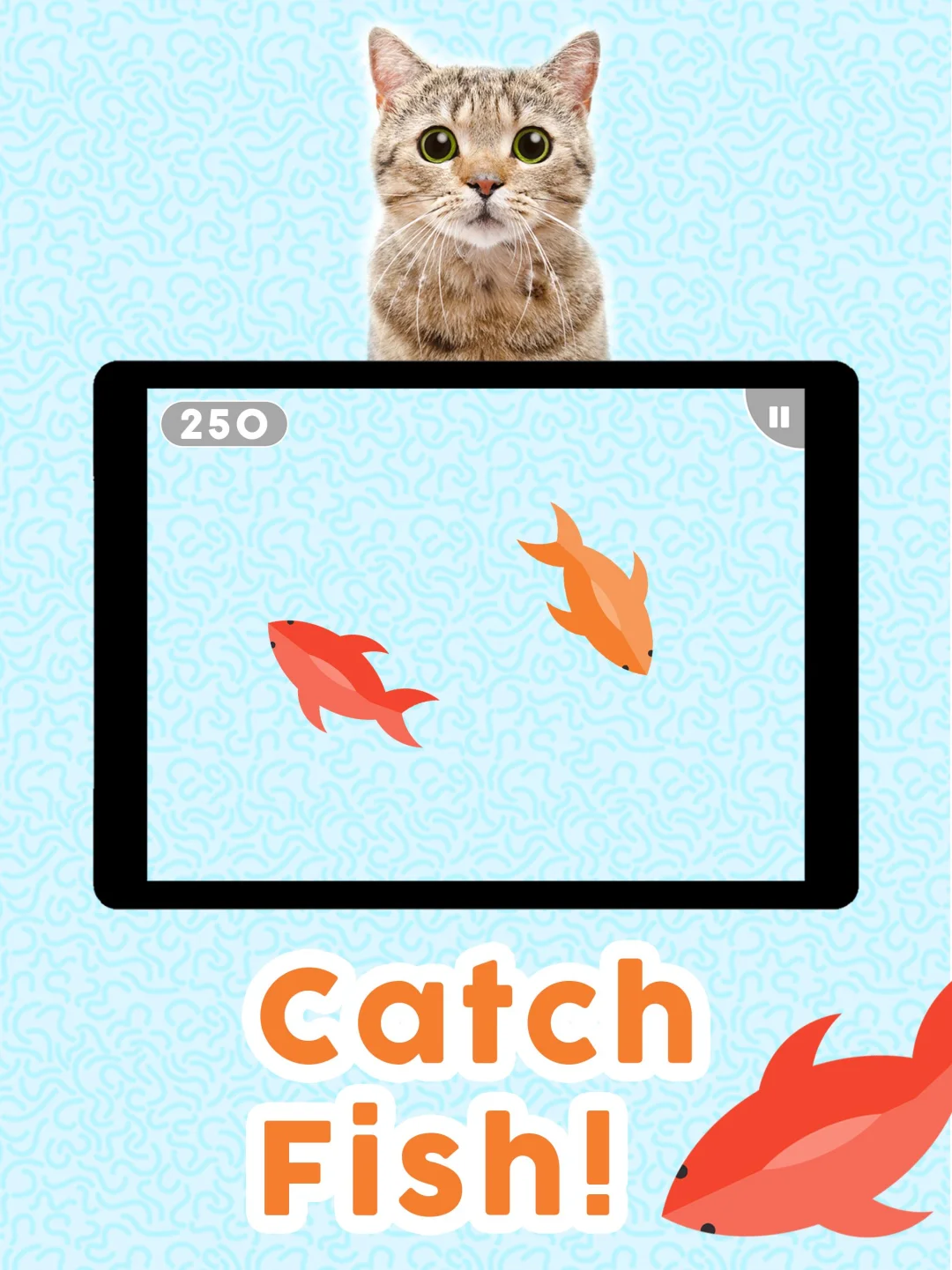
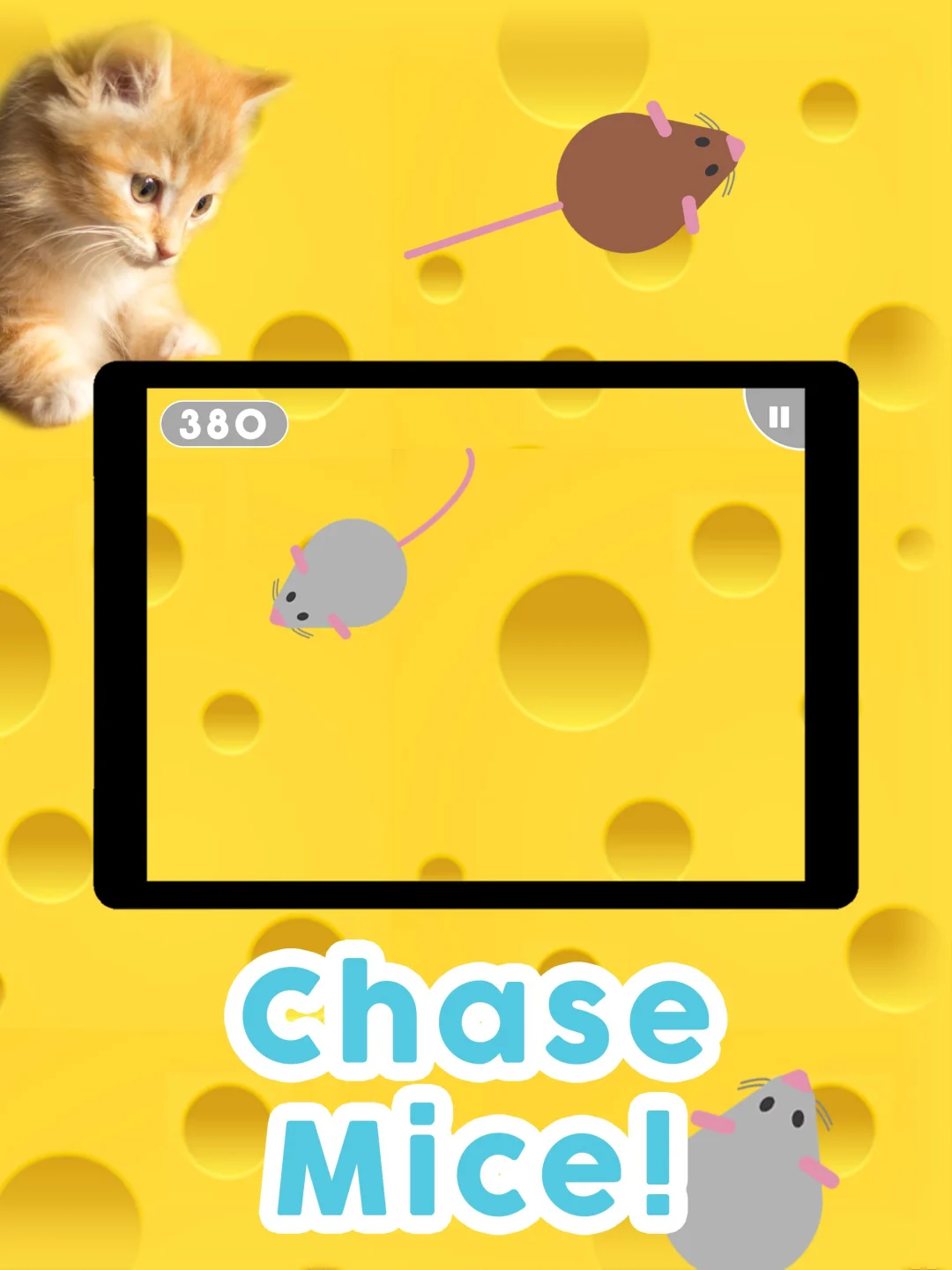
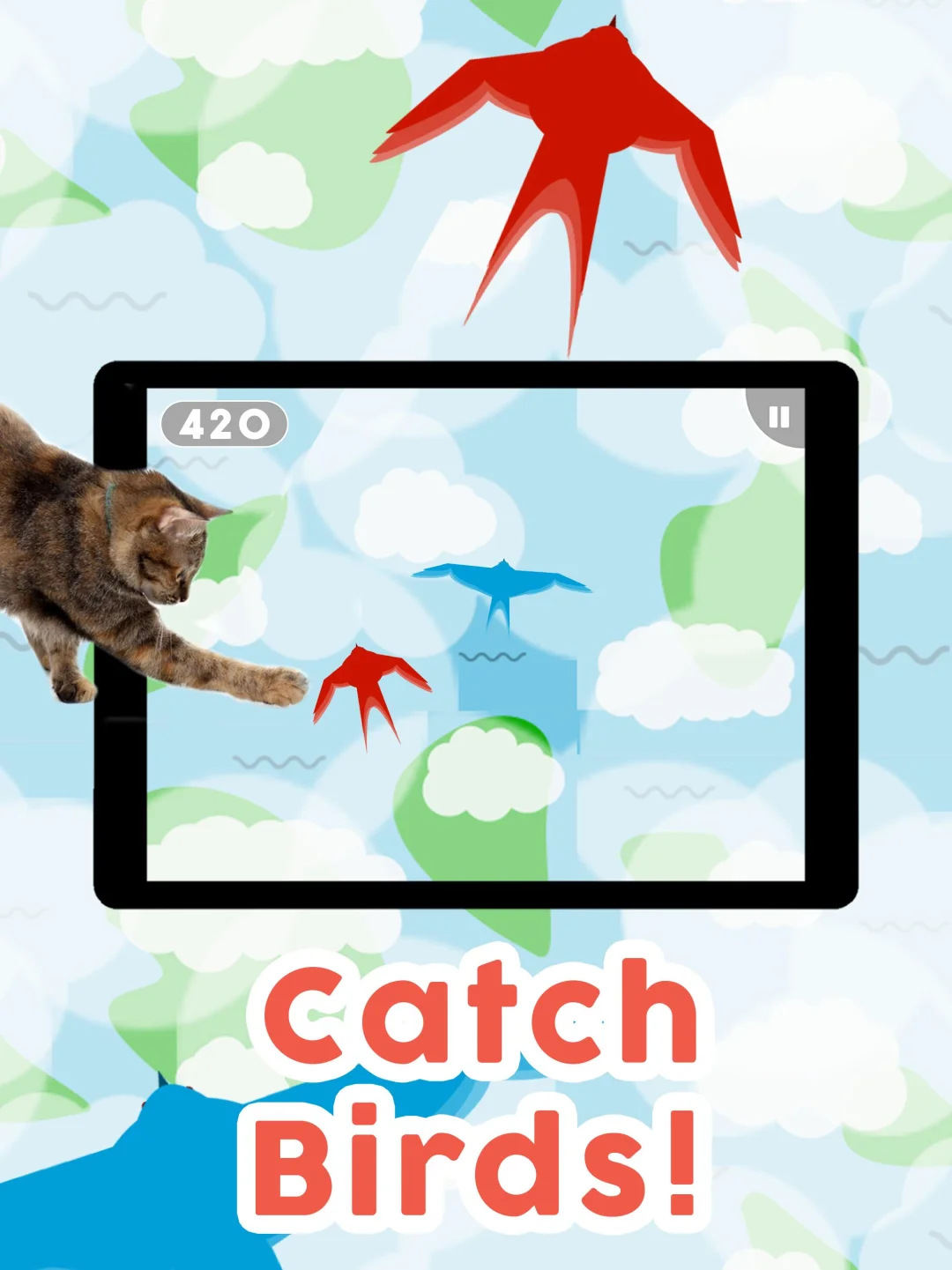
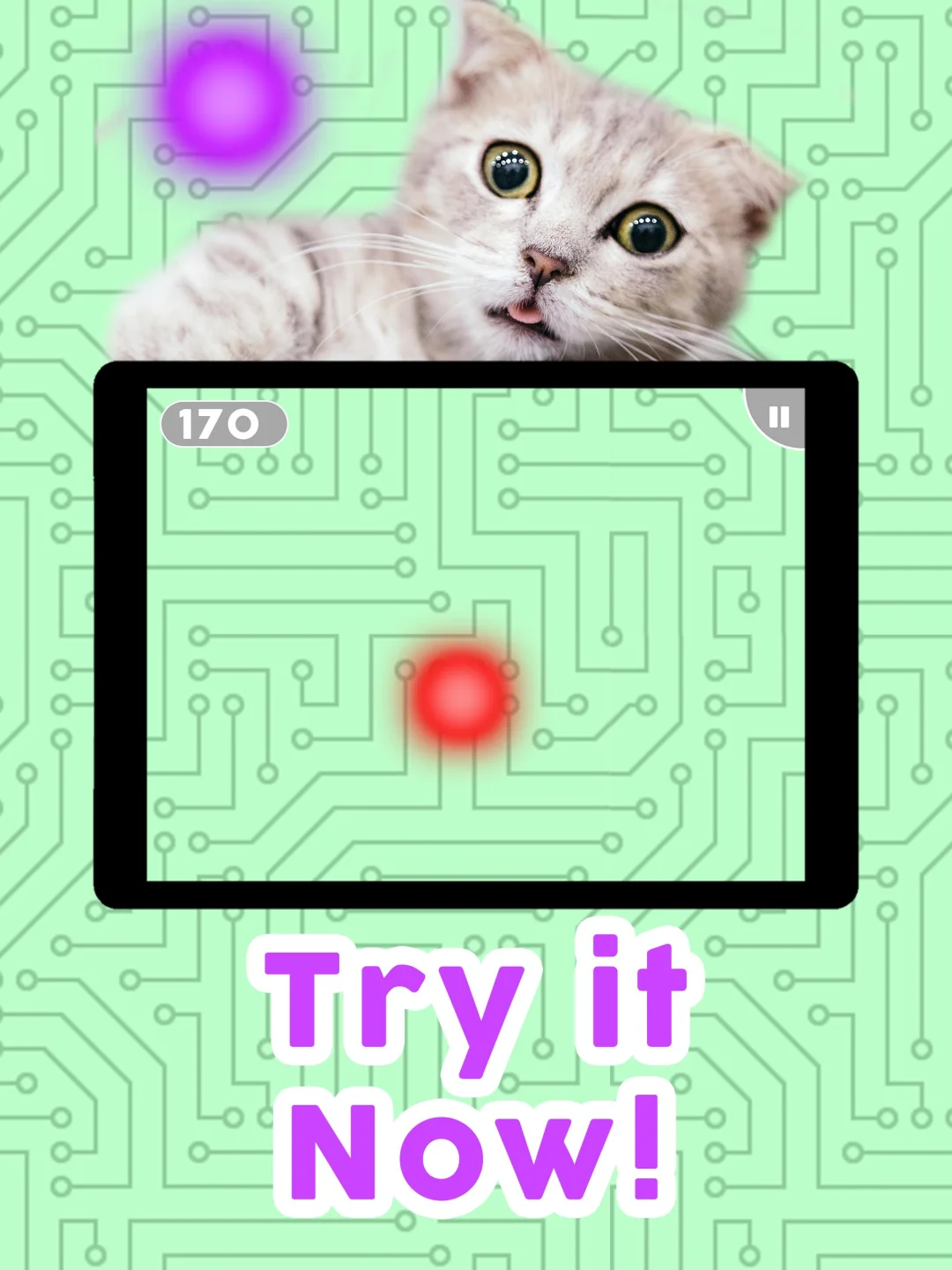
Games for Cats! is an all-new collection of six cat games designed especially for cats. Choose a level / game and get ready to watch your cat chase a laser pointer, mouse or fish!<br><br>How to play Games for Cats!:<br>• Place your device on a flat surfac
Kalisson Studios LLC
Version1.4.6
Updated on
2023-09-19
Rating2.4
CategorySimulation
Package namecom.icarusfalling.gamesforcats
Games for Cats! Description
Open up
Is Games for Cats! safe for my device?
Open up
Yes, Games for Cats! follows the Google Play content guidelines to ensure safe use on your Android device.
What is an XAPK file, and what should I do if the Games for Cats! I downloaded is an XAPK file?
Open up
A file with .xapk extension is a compressed package file. It is a container file format that incorporates APK and additional associated files required for the installation.
The XAPK format was introduced to package the APK file and OBB file together for a seamless delivery and installation process.
XAPK format can help reduce the package size of application.
On mobile phones, users need to install the XAPK installer first, and then install XAPK files through that installer.
But on PC client, you just need to put the file on LDPlayer.
Can I play Games for Cats! on my computer?
Open up
Yes, you can play Games for Cats! on your computer by installing LDPlayer, an Android emulator. After installing LDPlayer, simply drag and drop the downloaded APK file into the emulator to start playing Games for Cats! on PC. Alternatively, you can open the emulator, search for the game or app you want to play, and install it from there.


