
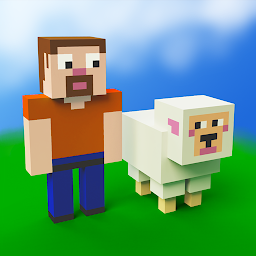
CubeCrafter
Gather block-shaped resources to craft unique structures and create your world!
SayGames Ltd
CubeCrafter is developed and provided by SayGames Ltd.
Version1.17.13
Updated on
2025-10-01
Rating4.0
CategoryRole Playing
Package namecom.cww.cubecraft
Downloads100+
CubeCrafter Description
Looking for a casual crafting game that combines resource collecting and time management with action and adventure? CubeCrafter is an enjoyable and original game that covers all the angles – a world-building simulator where you gather resources, craft all sorts of different structures, get to explore a wide and varied game world, and even do a little fighting now and then. And bear in mind, you can do all that while riding around on the back of a pig! (Not to mention all the sheep, who provide useful wool and get in the way a lot…)
A CHIP OFF THE OLD BLOCK 🧱
The distinctive design and simple mechanics of this crafting simulator make CubeCrafter a reassuringly familiar and entertaining experience for players of all ages. If you’re after a game that provides fun and fulfilling adventures in time-management, crafting, farming and fighting, then it’s time to explore the world of CubeCrafter 👾.
🟩 Mine, all mine: Mine, log, farm and quarry a wide range of block-shaped resources including wood, stone, clay and wool to get the basic blocks on which to build your crafting empire 🏰.
🟩 Get crafty: Raw materials are enough to build a few simple structures at the start of the game, but if you want to progress and expand your world, first you’ll need to build factories to craft bricks, boards, shingles and other more advanced building materials.
🟩 Many hands: The more resources you need for building, the harder it gets to keep track of all your mining and manufacturing enterprises. Fortunately, this doesn’t have to be a block on your progress: You can hire laborers – lumberjacks, stone masons, miners and farmers – to help out.
🟩 Fruits of your labors: Got blocks of resources you don’t need for crafting or building? Sell them to the game’s merchants and get currency to spend on upgrading your skills and those of your employees, including greater carrying capacity, faster movement and crafting, and a whole range of other useful benefits.
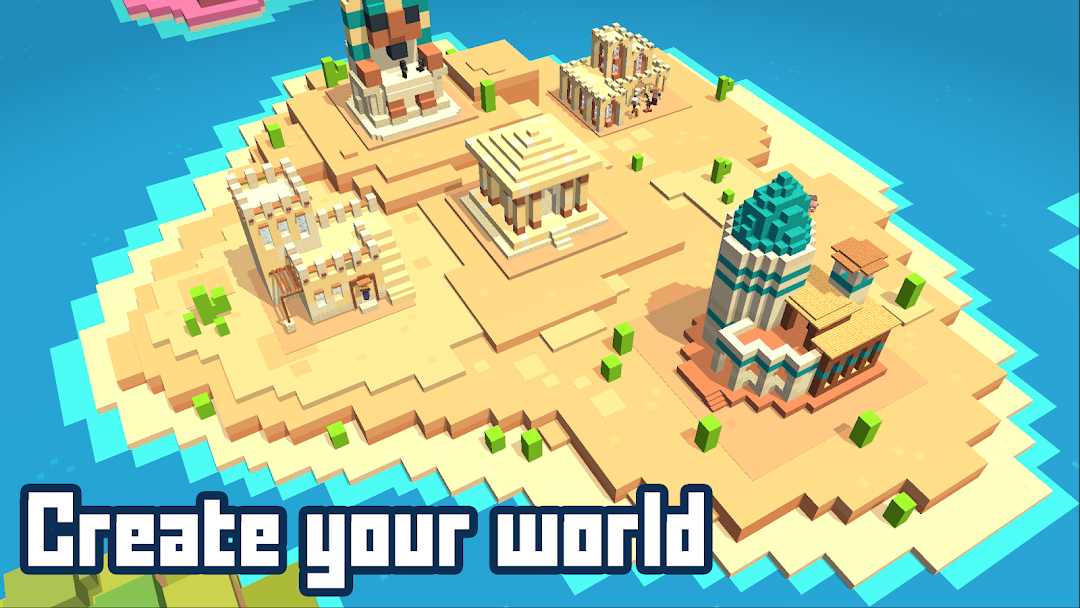
🟩 Start from square one: Build up the full range of mining and craft enterprises this simulator game can offer to get the materials you need to complete a major construction project, then move on to the next level and start all over again in a whole new world, moving between settings from forest to desert, and even underwater. And don’t worry, you’ll keep the upgrades you’ve made to your skills.
🟩 Parry and block: Should ever tire of crafting and construction, you’ll be pleased to know the CubeCrafter world also has more than its fair share of action and adventure. Get ready to fight off zombies and other monsters to stop them terrorizing your lands and stealing your resources.
Ready for adventure? Then download CubeCrafter now and get ready to craft, construct and explore (and ride pigs)!
Privacy Policy: https://say.games/privacy-policy
Terms of Use: https://say.games/terms-of-use
Open up


Is CubeCrafter safe for my device?
Open up
Yes, CubeCrafter follows the Google Play content guidelines to ensure safe use on your Android device.
What is an XAPK file, and what should I do if the CubeCrafter I downloaded is an XAPK file?
Open up
A file with .xapk extension is a compressed package file. It is a container file format that incorporates APK and additional associated files required for the installation.
The XAPK format was introduced to package the APK file and OBB file together for a seamless delivery and installation process.
XAPK format can help reduce the package size of application.
On mobile phones, users need to install the XAPK installer first, and then install XAPK files through that installer. You can find the installer here:https://apkcombo.com/how-to-install/. But on PC client, you just need to put the file on LDPlayer.
Can I play CubeCrafter on my computer?
Open up
Yes, you can play CubeCrafter on your computer by installing LDPlayer, an Android emulator. After installing LDPlayer, simply drag and drop the downloaded APK file into the emulator to start playing CubeCrafter on PC. Alternatively, you can open the emulator, search for the game or app you want to play, and install it from there.


