

OldFlame is developed and provided by PYZ Game.
Version3.0
Updated on
2023-11-05
Rating4.3
CategoryRole Playing
Package namecom.PYZ.WhiteFlame
OldFlame Description
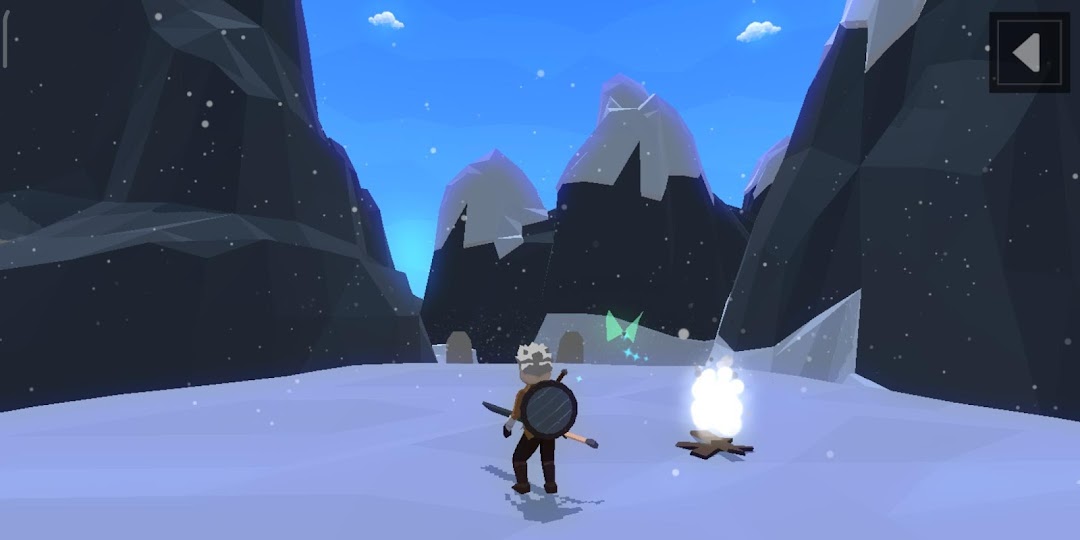
- In general: Play as a young adventurer, get in trouble and get contracted with the ultimate fire. Begin your journey to find answers to the mysteries around the world.
- Open world system with a variety of environments. Many types of enemies and bosses. Fight and find the answers to the buried secrets.
- A diverse and interesting combat & magic system.
- You can upgrade power, craft equipment in many different directions depending on how you play.
- There is a place to live, build a house, grow crops and get married.
- The difficulty of the game is quite high and challenges your ability. There is no pay to win and you will have to master your control skills to be able to overcome it.
- The end of the game will depend on you. Choose what you want.
- There are many graphic settings to be compatible with many different devices.
Facebook:
https://www.facebook.com/pyzgame
Open up


Is OldFlame safe for my device?
Open up
Yes, OldFlame follows the Google Play content guidelines to ensure safe use on your Android device.
What is an XAPK file, and what should I do if the OldFlame I downloaded is an XAPK file?
Open up
A file with .xapk extension is a compressed package file. It is a container file format that incorporates APK and additional associated files required for the installation.
The XAPK format was introduced to package the APK file and OBB file together for a seamless delivery and installation process.
XAPK format can help reduce the package size of application.
On mobile phones, users need to install the XAPK installer first, and then install XAPK files through that installer. You can find the installer here:https://apkcombo.com/how-to-install/. But on PC client, you just need to put the file on LDPlayer.
Can I play OldFlame on my computer?
Open up
Yes, you can play OldFlame on your computer by installing LDPlayer, an Android emulator. After installing LDPlayer, simply drag and drop the downloaded APK file into the emulator to start playing OldFlame on PC. Alternatively, you can open the emulator, search for the game or app you want to play, and install it from there.


