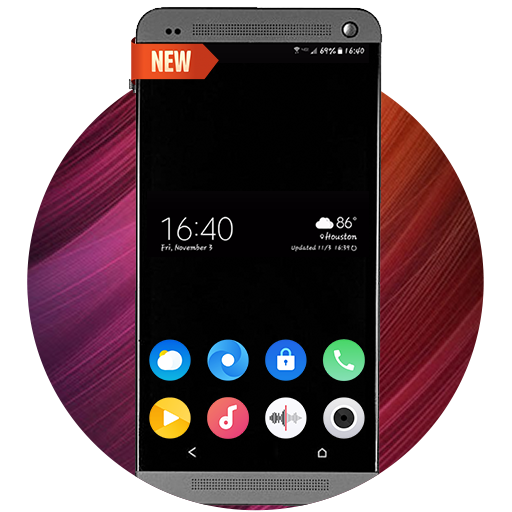
Controls Android 17 Styleの運営元はJalanであり
バージョン1.100
更新日2024-09-19
評価2.0
タイプカスタマイズ
パッケージ名com.jalan.control.center.android14
ダウンロード数100+
Controls Android 17 Styleの紹介
• ACCESSIBILITY_SERVICE to display overlay window for lock screen also used to provide accessibility function like lock screen, take screen shot and show power menu of mobile.
• READ_NOTIFICATION read notification to show media control or notifications on lock screen.
• Bluetooth permission for earbuds and airpods
FEEDBACK
• If you have any problems while using this application, please let us know we will check and update as soon as possible.
Control Center Android 17 Style is designed to change your top slide down control panel to give a new look.
Features
- Control buttons for 30 most used settings
- Notifications
- Wallpapers
表示


Controls Android 17 Style Android版に関するレビュー
とても素敵でした
とても素敵でした
Controls Android 17 Styleは自分のデバイスにとって安全ですか?
表示
Controls Android 17 StyleはGoogle Playコンテンツガイドラインに従い、Androidデバイスでの安全な使用を確保しています。
XAPKファイルとは何ですか?Controls Android 17 StyleをダウンロードしたファイルがXAPKファイルの場合はどうすればよいですか?
表示
XAPKは、APKファイルとその他のデータファイル(例:大型ゲームの追加リソースファイルなど)を含むファイル拡張形式です。
XAPKファイルの目的は、アプリケーションのデータファイルをインストール前に分離して保存し、大型アプリケーションをより効果的に管理および転送することです。
XAPKはアプリケーションの初期インストールパッケージのサイズを縮小するのに役立ちます。
通常、スマホでは、ユーザーはまずXAPKインストーラーアプリケーションをインストールし、その後そのアプリケーションを使用してXAPKファイルをインストールする必要があります。
一方、PCでは、ファイルをLDPlayer Androidエミュレータにドラッグ&ドロップするだけでインストールできます。
Controls Android 17 Styleをパソコンでプレイできますか?
表示
LDPlayerなどのAndroidエミュレーターをコンピュータにインストールして、ダウンロードしたAPKファイルをエミュレーター内にドラッグして実行することで、Controls Android 17 Styleをパソコンでプレイことができます。また、エミュレーターを開いて、プレイしたいゲームやアプリを検索してインストールすることもできます。