

นักพัฒนาอย่างเป็นทางการของ WhatsApp Business คือ AlexMods
เวอร์ชัน2.21.11.93
คะแนน4
ประเภทเครื่องมือ
ชื่อแพ็คเกจcom.gbwhatsapp
ดาวน์โหลด100+
บทนำ WhatsApp Business
If you have separate business and personal phone numbers, you can have both WhatsApp Business and WhatsApp Messenger installed on the same phone, and register them with different numbers.
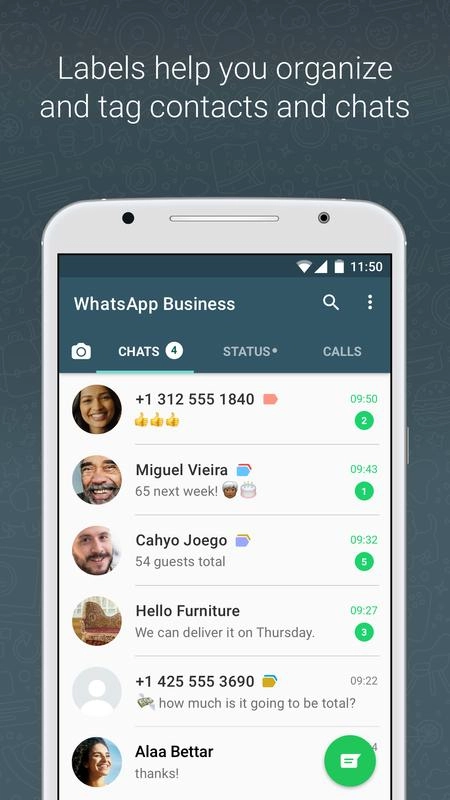
In addition to the features available in WhatsApp Messenger, WhatsApp Business includes:
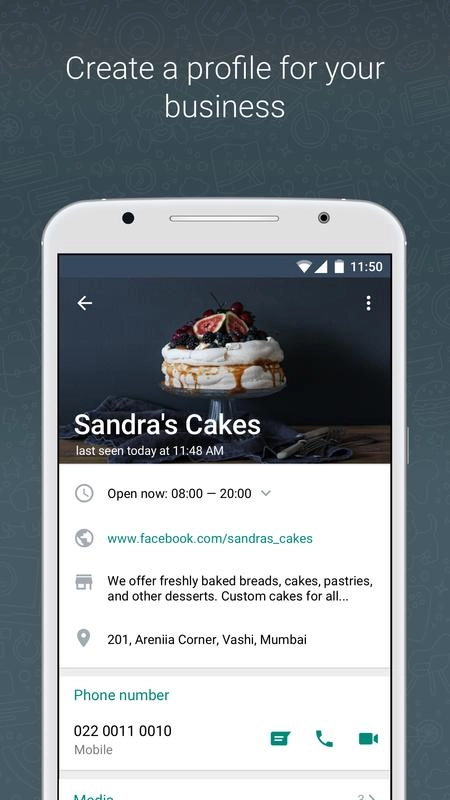
• BUSINESS PROFILE: Create a profile for your business to help your customers find valuable information — like your website, location, or contact information.
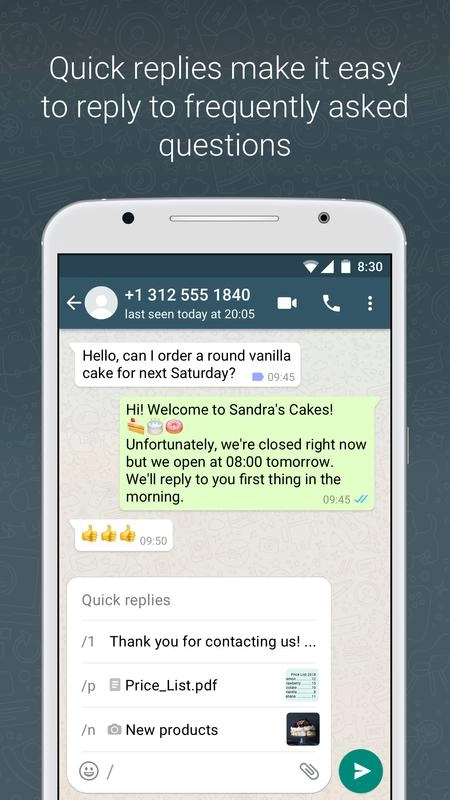
• BUSINESS MESSAGING TOOLS: Be more responsive to your customers by using Away messages to indicate that you're away.
• LANDLINE/FIXED NUMBER SUPPORT: You can use WhatsApp Business with a landline (or fixed) phone number and your customers can message you on that number. During verification, select the “Call me” option to receive the code over a phone call.
• RUN BOTH WHATSAPP MESSENGER AND WHATSAPP BUSINESS: You can use both WhatsApp Business and WhatsApp Messenger on the same phone, but each app must have its own unique phone number.
• WHATSAPP WEB: You can more efficiently respond to your customers right from your computer's browser.
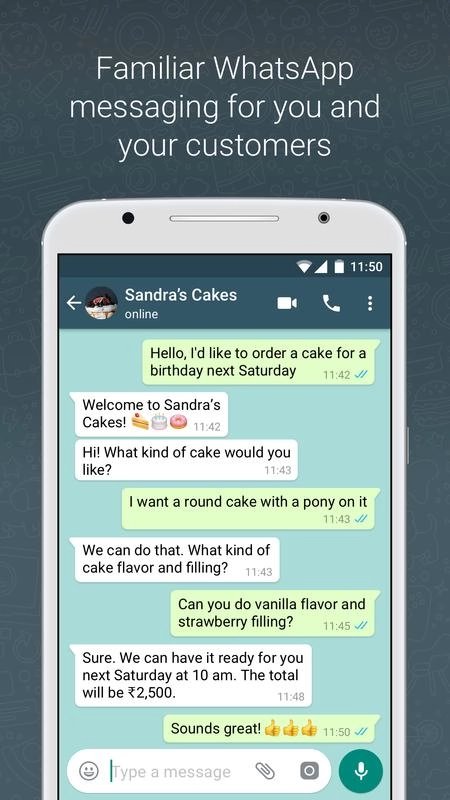
WhatsApp Business is built on top of WhatsApp Messenger and includes all the features that you rely on, such as the ability to send multimedia, free calls*, free international messaging*, group chat, offline messages, and much more.
*Data charges may apply. Contact your provider for details.
Note: once you restore your chat backup from WhatsApp Messenger to WhatsApp Business, you will no longer be able to restore it back to WhatsApp Messenger. If you would like to go back, we recommend that you copy the WhatsApp Messenger backup on your phone to your computer before you start using WhatsApp Business.
---------------------------------------------------------
We're always excited to hear from you! If you have any feedback, questions, or concerns, please email us at:
smb@support.whatsapp.com (mailto:smb@support.whatsapp.com)
or follow us on twitter:
http://twitter.com/WhatsApp
---------------------------------------------------------
เพิ่มเติม
WhatsApp Business ปลอดภัยสำหรับอุปกรณ์ของฉันไหม?
เพิ่มเติม
ใช่ WhatsApp Business ปฏิบัติตามหลักเกณฑ์ด้านเนื้อหาของ Google Play เพื่อให้แน่ใจว่าปลอดภัยในการใช้งานบนอุปกรณ์ Android ของคุณ
ไฟล์ XAPK คืออะไร ฉันควรทำอย่างไรหาก WhatsApp Business ที่ฉันดาวน์โหลดเป็นไฟล์ XAPK
เพิ่มเติม
XAPK เป็นรูปแบบนามสกุลไฟล์ที่ประกอบด้วยไฟล์ APK แต่ละไฟล์และไฟล์ข้อมูลอื่นๆ (เช่น ไฟล์ทรัพยากรเพิ่มเติมในเกมขนาดใหญ่)
วัตถุประสงค์ของไฟล์ XAPK คือเพื่อให้ไฟล์ข้อมูลของแอปพลิเคชันถูกจัดเก็บแยกต่างหากก่อนที่จะติดตั้งแอปพลิเคชัน ช่วยให้การจัดการและถ่ายโอนแอปพลิเคชันขนาดใหญ่มีประสิทธิภาพมากขึ้น
XAPK สามารถช่วยลดขนาดแพ็คเกจการติดตั้งเริ่มต้นของแอปพลิเคชันได้
โดยปกติบนโทรศัพท์มือถือ ผู้ใช้จะต้องติดตั้งแอปพลิเคชันตัวติดตั้ง XAPK ก่อน จากนั้นจึงติดตั้งไฟล์ XAPK ผ่านแอปพลิเคชัน
สามารถดูแอปพลิเคชันเฉพาะได้ที่ลิงค์ต่อไปนี้:
https://apkcombo.com/th/how-to-install/
บนคอมพิวเตอร์ เพียงลากและวางไฟล์ลงในโปรแกรมจำลอง LDPlayer
ฉันสามารถเล่น WhatsApp Business บนคอมได้ไหม?
เพิ่มเติม
ได้ คุณสามารถเริ่มเล่น WhatsApp Business บน PCได้โดยติดตั้ง LDPlayer ซึ่งเป็นโปรแกรมจำลอง Android จากนั้นลากไฟล์ APK ที่ดาวน์โหลดมาลงในโปรแกรมจำลองที่กำลังรันอยู่ คุณยังสามารถเปิดโปรแกรมจำลอง ค้นหาและติดตั้งเกมหรือแอปที่คุณต้องการเล่นได้





