

PrinterShare Mobile Print
Các tài liệu in ấn và hình ảnh trực tiếp từ thiết bị Android của bạn với bất kỳ máy in!
Mobile Dynamix
PrinterShare Mobile Print được phát triển/phát hành bởi Mobile Dynamix.
Phiên bản12.18.4
Cập nhật vào2025-09-16
Đánh giá4.0
Thể loạiDoanh nghiệp
Google Play IDcom.dynamixsoftware.printershare
Lượt tải100+
Tổng quan PrinterShare Mobile Print
IMPORTANT: Some of the features are NOT FREE! To unlock these features, you would need to make a purchase to unlock the Premium Features of the free app. We highly recommend printing the test page to ensure compatibility with your printer prior to making a purchase.
NOTE: Due to the update to the Permissions policy on Google Play, we had to remove the SMS and Call log printing features from our app.
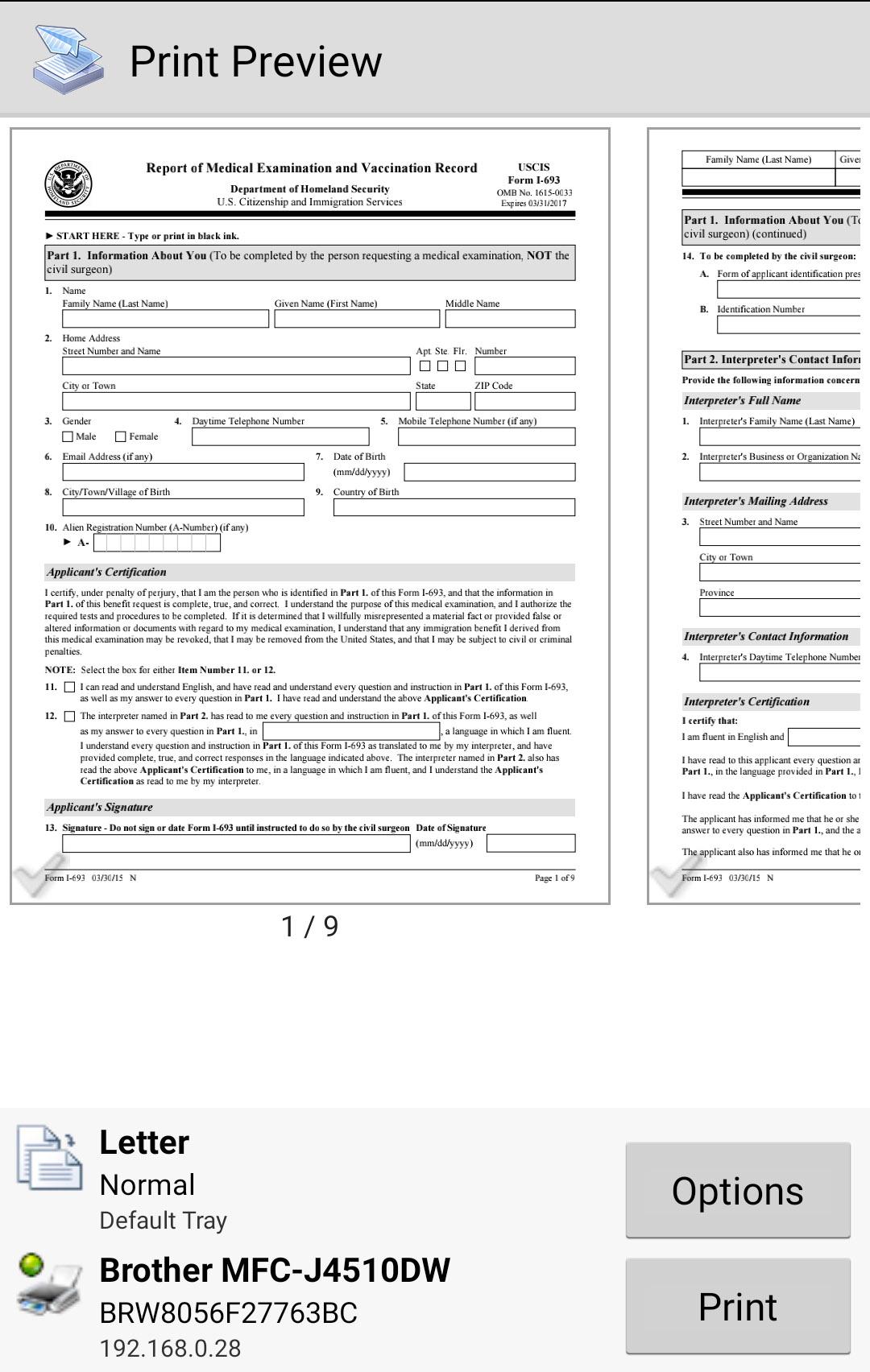
With PrinterShare you can easily print images and photos (JPG, PNG, GIF), emails (from Gmail) and attachments (PDF, DOC, XLS, PPT, TXT), contacts, agenda, web pages (HTML), and other digital content from device memory, cloud storage providers such as Google Drive, One Drive, Box, Dropbox and other applications using Share action. You even can print text messages for trial or legal matters!
Print UPS shipping labels directly from a browser on your device to supported thermal printers by logging into the UPS website.
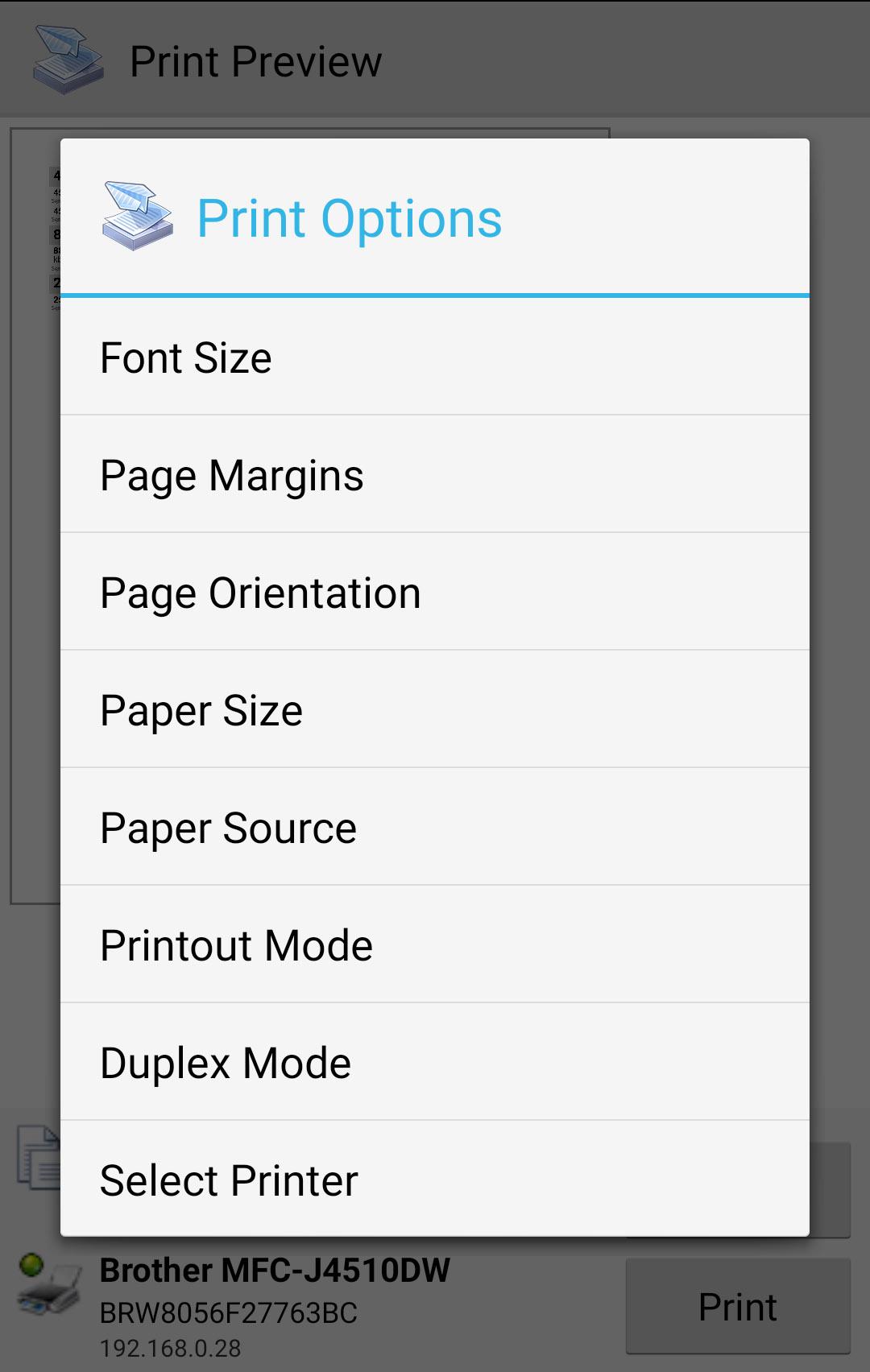
Also, you can configure many printing options such as paper size, page orientation, copies, page range, one- or two-sided printing (duplex mode), print quality (resolution), color or monochrome, media tray, and more.
With the free version of the app, you can:
* Print with certain restrictions on nearby wireless (WiFi, Bluetooth) and direct USB OTG connected printers;
* Print on Windows shared (SMB/CIFS) or Mac shared printers;
Premium Features include:
* Unlimited Nearby direct printing (PDFs, documents, photos, and more) via Wi-Fi or Bluetooth without a computer;
* Complimentary 100 pages for Remote Printing under the same account
PrinterShare supports a wide variety of HP, Canon, Brother, Kodak, Samsung, Dell, Ricoh, Lexmark, Kyocera, OKI, and other printers including legacy networkable. A full list of supported printers available at http://printershare.com/help-mobile-supported.sdf. You can also print to unsupported and legacy printers with our free computer software for Mac and Windows available at http://printershare.com.
Here is the list of printers supported by the PrinterShare app:
http://www.printershare.com/help-mobile-supported.sdf
Make sure that your printer is supported.
Please note:
1) Requested permissions are needed to print content and are not used to collect your personal data. For a more detailed explanation please see our FAQ at http://www.printershare.com/help-mobile-faq.sdf
2) If something isn't working as expected, please send us an email to support@printershare.com
Have a good print!
P.S. For direct nearby printing to selected printer models PrinterShare downloads and uses drivers provided by HPLIP (http://hplipopensource.com) and GutenPrint (http://gimp-print.sourceforge.net). These drivers are distributed under GNU General Public License, version 2.
Còn nhiều


Những bình luận về PrinterShare Mobile Print bản Android
Nên thêm ngôn ngữ tiếng việt vào cho dễ dùng,chứ cho không cũng không dùng,huống gì mua bản quyền
Cứ bắt mua mua.
Tuyết vời
Nên thêm ngôn ngữ tiếng việt vào cho dễ dùng,chứ cho không cũng không dùng,huống gì mua bản quyền
Cứ bắt mua mua.
Tuyết vời
Liệu PrinterShare Mobile Print có an toàn đối với thiết bị của tôi?
Còn nhiều
Vâng, PrinterShare Mobile Print tuân thủ các yêu cầu của Google Play để đảm bảo an toàn sử dụng trên thiết bị Android của bạn.
File XAPK là gì? Nếu file PrinterShare Mobile Print tôi đã tải về là định dạng XAPK thì sao?
Còn nhiều
XAPK là 1 định dạng tệp, bao gồm file APK độc lập và file dữ liệu khác (ví dụ như file tài nguyên cần thiết của game lớn). Tác dụng của file XAPK là cho phép lưu trữ riêng file dữ liệu ứng dụng trước khi cài đặt ứng dụng, nhằm quản lý và truyền ứng dụng lớn một cách hiệu quả. XAPK sẽ giúp ích cho việc giảm size file cài đặt của ứng dụng.
Người dùng vui lòng cài đặt trước trình cài đặt ứng dụng XAPK trên điện thoại, sau đó cài đặt file XAPK qua ứng dụng này. Còn nhiều hướng dẫn, vui lòng truy cập link dưới nếu cần: https://apkcombo.com/vi/how-to-install. Mà nếu trên PC, chỉ cần kéo giữ và đưa vào tab giả lập LDPlayer là được cài đặt dễ dàng;
Tôi có thể chơi PrinterShare Mobile Print trên PC?
Còn nhiều
Vâng, bạn vui lòng cài đặt giả lập Android LDPlayer trên máy tính, sau đó kéo file APK đã tải về sẵn vào LDPlayer là sẽ được chạy PrinterShare Mobile Print trên PC. Bạn cũng có thể khởi động giả lập LDPlayer và tìm kiếm, cài đặt và sử dụng ứng dụng hoặc game bạn cần.
Ngôn ngữ
Download PrinterShare Mobile Print[EN]
下載 PrinterShare 印花[TW]
PrinterShare 모바일 프린트 다운로드[KR]
ดาวน์โหลด PrinterShare Mobile Print[TH]
Скачать PrinterShare Мобильная печать[RU]
Baixar PrinterShare Impressão móvel[PT]
Descargar PrinterShare Impresión móvil[ES]
Télécharger PrinterShare Impression mobile[FR]
PrinterShare Mobiles Drucken herunterladen[DE]
PrinterShare 印刷をダウンロード[JP]
Unduh PrinterShare Cetak Mudah[ID]
تنزيل PrinterShare Mobile Print[AR]


