

Auto Redial
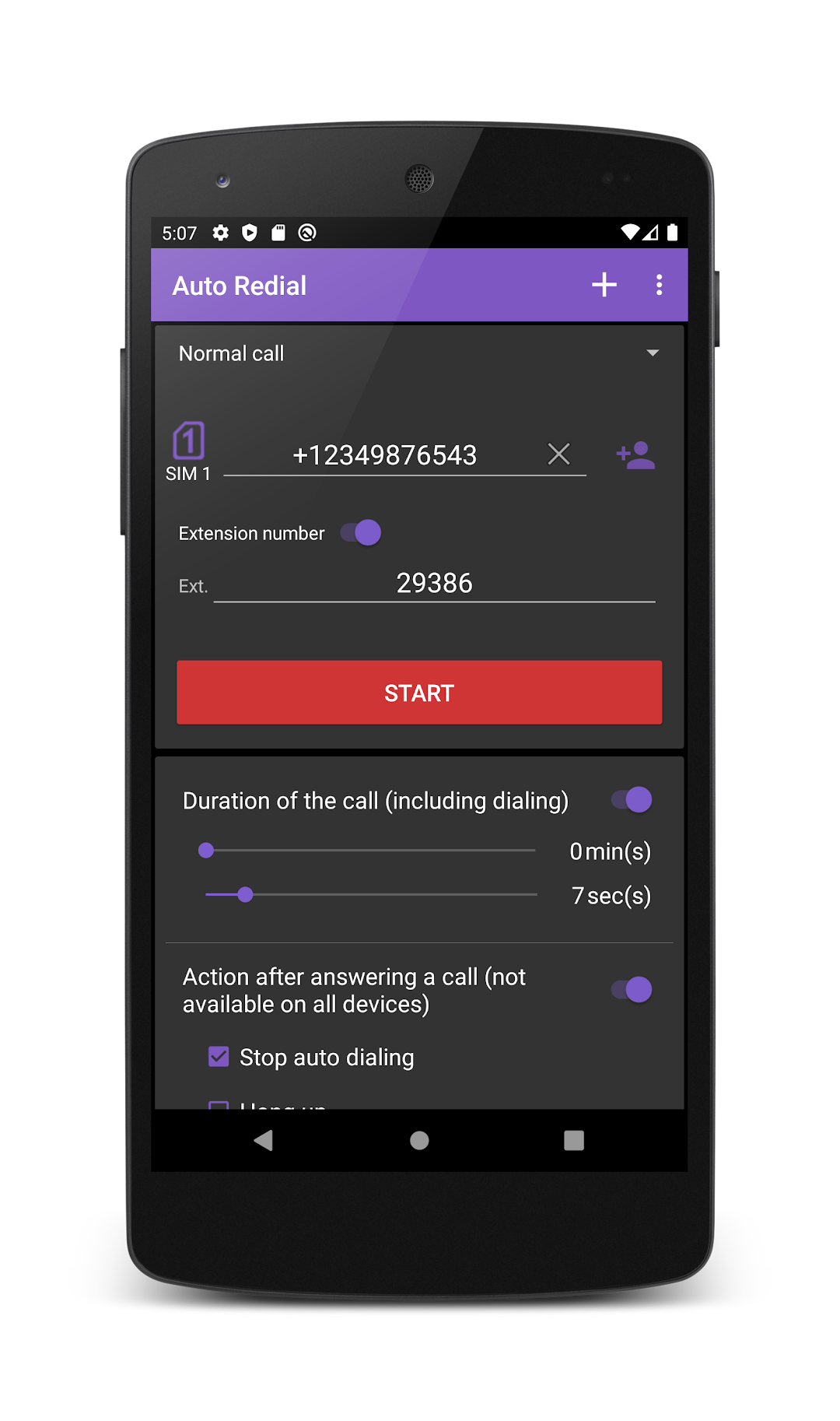
Automatic dialing (redial) with schedule support and 2 SIM cards. Auto Dialer.
lithiumS
Auto Redial is developed and provided by lithiumS.
Version6.47
Updated on
1970-01-21
Rating4.0
CategoryCommunication
Package nameru.lithiums.autodialer
Downloads100+
Auto Redial Description
The program is designed for automatic dialing to city, long-distance, international numbers, as well as SIP and IP .
The application supports phones with 2 (two) SIM cards (dual sim).
The application has support for scheduled calls. You can specify a schedule for automatic redial with different options.
The program has the following types of schedule:
- once at a specified time and date;
- recurring daily or on certain days of the week at a specified time;
- recurring calls after a specified period of time.
In the application settings, you can enable or disable the speakerphone during a call. (By default, it is enabled).
Also in the settings you can turn on the alert with a sound alert before the start of the call on a schedule.
All required permissions are needed for work the application. The data will not be sent, not collected and are not processed, and used for making calls.
Open up


Is Auto Redial safe for my device?
Open up
Yes, Auto Redial follows the Google Play content guidelines to ensure safe use on your Android device.
What is an XAPK file, and what should I do if the Auto Redial I downloaded is an XAPK file?
Open up
A file with .xapk extension is a compressed package file. It is a container file format that incorporates APK and additional associated files required for the installation.
The XAPK format was introduced to package the APK file and OBB file together for a seamless delivery and installation process.
XAPK format can help reduce the package size of application.
On mobile phones, users need to install the XAPK installer first, and then install XAPK files through that installer. You can find the installer here:https://apkcombo.com/how-to-install/. But on PC client, you just need to put the file on LDPlayer.
Can I play Auto Redial on my computer?
Open up
Yes, you can play Auto Redial on your computer by installing LDPlayer, an Android emulator. After installing LDPlayer, simply drag and drop the downloaded APK file into the emulator to start playing Auto Redial on PC. Alternatively, you can open the emulator, search for the game or app you want to play, and install it from there.


