

COSMO: Mission Control is developed and provided by Cosmo Technologies, Inc.. LDPlayer offers the download service only.
Version3.3.0
Rating4.0
CategoryCommunication
Package namecom.cosmo.missioncontrol
COSMO: Mission Control Description
JrTrack is the all-in-one wearable phone, watch, and GPS tracker that’s safe for kids and trusted by parents. It pairs seamlessly with the Mission Control parent app where you can:
- Add and manage approved contacts and guardians for safety & security
- Check your child’s location with reliable GPS tracking
- Set custom geo-fence “SafeZones” to receive check-in alerts when your child enters or leaves a designated area
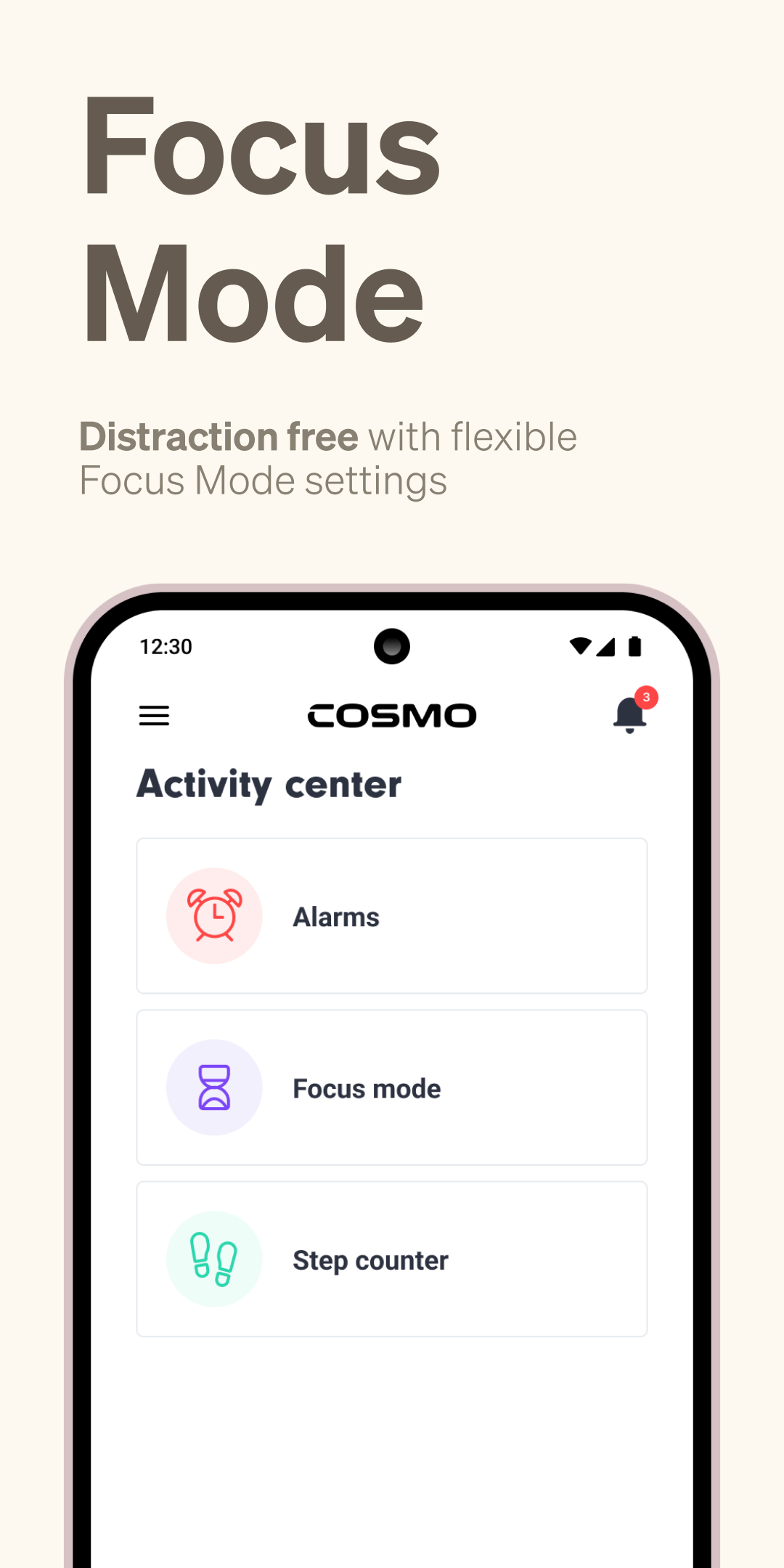
- Set Focus Mode days and times to limit distractions
- Track your child’s steps and set activity goals
- Receive emergency alerts when your child activates SOS mode
- Set custom alarms and reminders
- Manage settings for your child’s JrTrack watch
Loved by Parents & Kids
“This was easy to set up and works wonderfully...I recommend this watch 100%” - Michele S. (TN)
“We use this watch to stay in touch with my kids during the day while I’m at work. It’s a really nice thing being able to text your young kid to make sure they are okay during the day.” - Katie L (VA)
“It's given us a lot of freedom and confidence” - Eric E (TX)
Safe & Secure
Completely COPPA compliant, safety certified, and data secure. It’s the confidence parents need, and families deserve.
Connection without Compromise
Families shouldn’t have to choose between connection and kids’ safety. With JrTrack and the COSMO: Mission Control app, you’re in control - no internet browsing or social media access, plus a completely customizable approved safe contact list.
**The COSMO: Mission Control app is not compatible with first-generation JrTrack 1 devices.
Open up



Download COSMO: Mission Control APK for Android
1. Click "download COSMO: Mission Control APK for Android"
2. Install COSMO: Mission Control
3. Launch and enjoy COSMO: Mission Control
Get from Play Store
1. Click "Get from Play Store
2. Download COSMO: Mission Control from the Play Store
3. Launch and enjoy COSMO: Mission Control
Is COSMO: Mission Control safe for my device?
Open up
Yes, COSMO: Mission Control follows the Google Play content guidelines to ensure safe use on your Android device.
What is an XAPK file, and what should I do if the COSMO: Mission Control I downloaded is an XAPK file?
Open up
A file with .xapk extension is a compressed package file. It is a container file format that incorporates APK and additional associated files required for the installation.
The XAPK format was introduced to package the APK file and OBB file together for a seamless delivery and installation process.
XAPK format can help reduce the package size of application.
On mobile phones, users need to install the XAPK installer first, and then install XAPK files through that installer. You can find the installer here:https://apkcombo.com/how-to-install/. But on PC client, you just need to put the file on LDPlayer.
Can I play COSMO: Mission Control on my computer?
Open up
Yes, you can play COSMO: Mission Control on your computer by installing LDPlayer, an Android emulator. After installing LDPlayer, simply drag and drop the downloaded APK file into the emulator to start playing COSMO: Mission Control on PC. Alternatively, you can open the emulator, search for the game or app you want to play, and install it from there.


