

QFit is developed and provided by jack.yang.
Version1.0.0.52
Updated on
2023-07-08
Rating3.6
CategoryHealth&Fitness
Package namecom.wacsoso.watch
Downloads100+
QFit Description
Open up

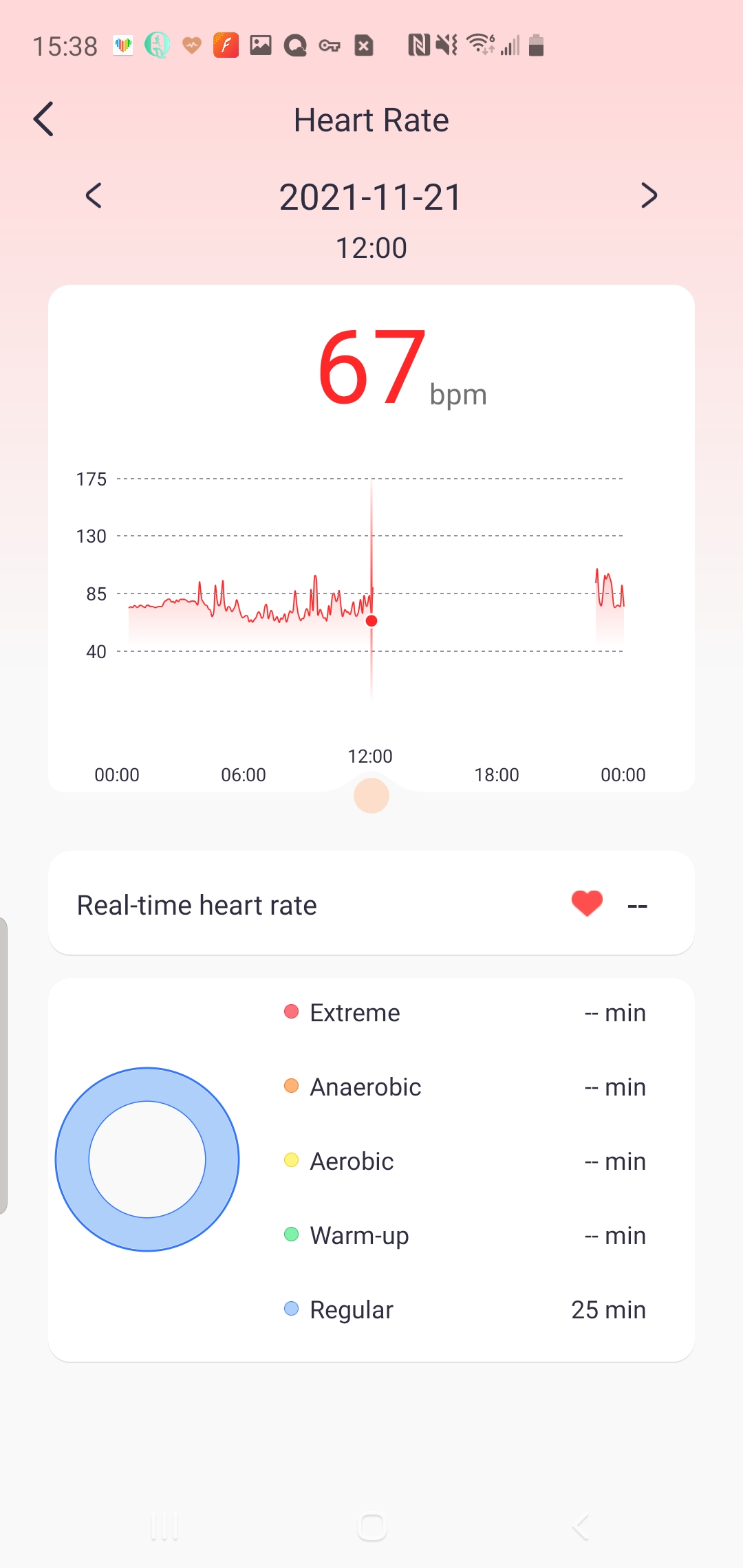
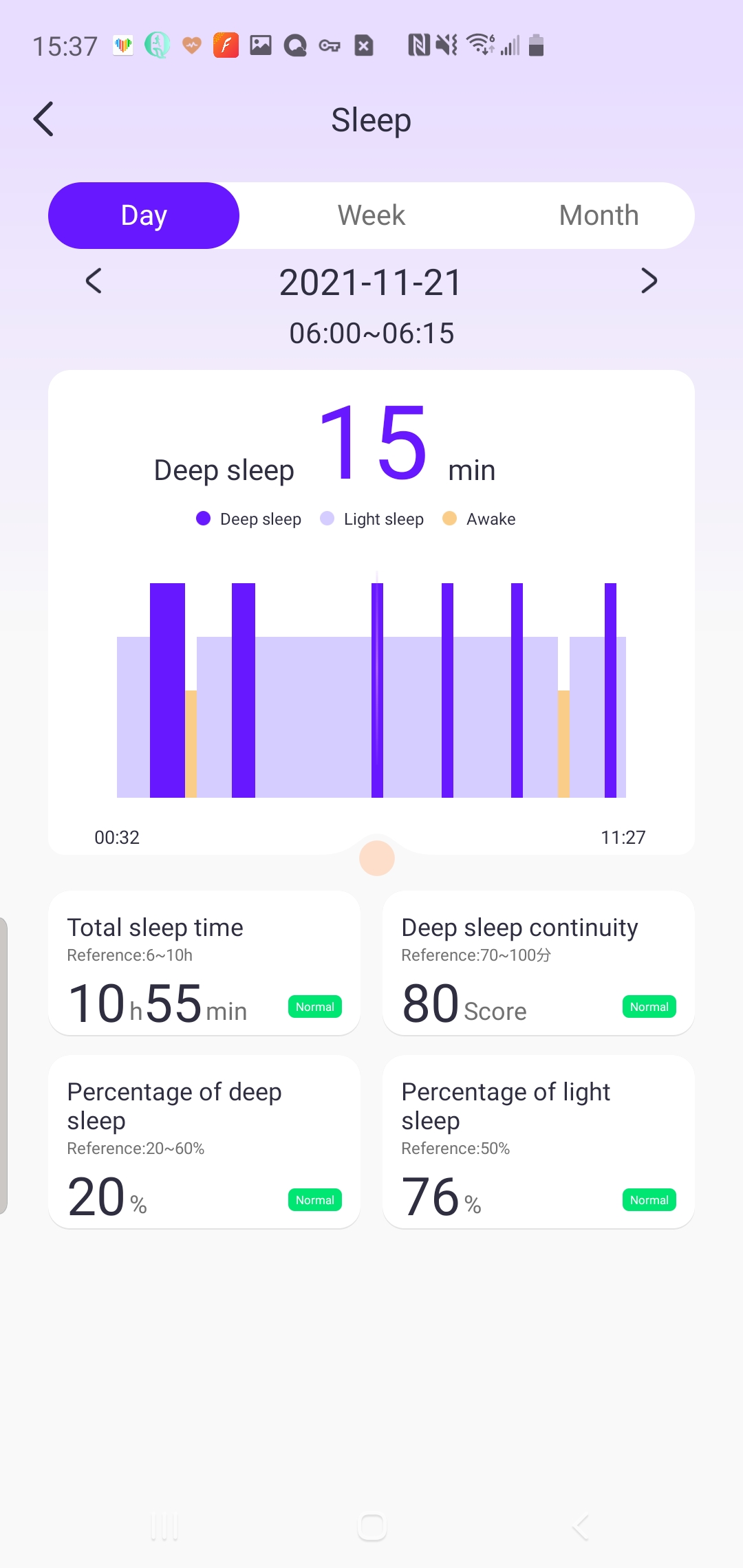
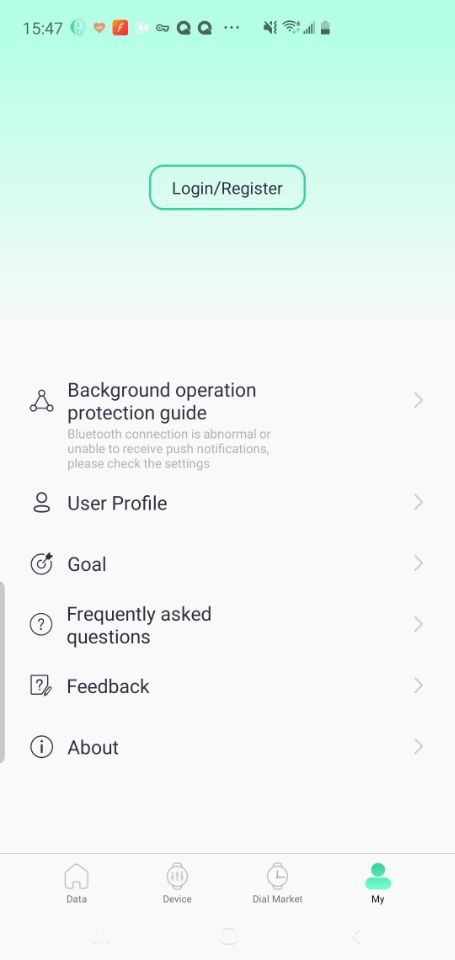
Comments about QFit Android Version
i installed the app for my H11 Ultra upgrade smartwatch. i paired the smartwatch with my samsumg s22 ultra, however i have two issues (1) the app shows 'unbind' and (2) clicking 'firmware upgrade' (even though i am on the latest version 1.0.0.34) , it goes thru 100%, then it says 'upgrade failed'. i unpaired and paired the the watch with my samsung phone, still no luck. any idea??
The app doesn't allow you to break apart all notifications. It has its standard notification apps, but it only has a selection for other software. So now I'm getting notification for my keyboard, basically any notifications that I get on my phone that sometimes I prefer not to get, like the music name being played and when changing. It's be nice that when it's under the 'other software' that I can still select what other software that I'd like to get notified on.
While setting the wallpaper, there is only one pointer, add more pointers to it so that it can match the wallpaper of the watchface extracted from Google. Along with this, there should be an option to change the color of all the needles, to make them thick and thin. After this option people will give preference to buy your brand only because everyone is just focusing on making copy of apple watch, software should also be developed on the lines of clockology.
i installed the app for my H11 Ultra upgrade smartwatch. i paired the smartwatch with my samsumg s22 ultra, however i have two issues (1) the app shows 'unbind' and (2) clicking 'firmware upgrade' (even though i am on the latest version 1.0.0.34) , it goes thru 100%, then it says 'upgrade failed'. i unpaired and paired the the watch with my samsung phone, still no luck. any idea??
The app doesn't allow you to break apart all notifications. It has its standard notification apps, but it only has a selection for other software. So now I'm getting notification for my keyboard, basically any notifications that I get on my phone that sometimes I prefer not to get, like the music name being played and when changing. It's be nice that when it's under the 'other software' that I can still select what other software that I'd like to get notified on.
While setting the wallpaper, there is only one pointer, add more pointers to it so that it can match the wallpaper of the watchface extracted from Google. Along with this, there should be an option to change the color of all the needles, to make them thick and thin. After this option people will give preference to buy your brand only because everyone is just focusing on making copy of apple watch, software should also be developed on the lines of clockology.
Is QFit safe for my device?
Open up
Yes, QFit follows the Google Play content guidelines to ensure safe use on your Android device.
What is an XAPK file, and what should I do if the QFit I downloaded is an XAPK file?
Open up
A file with .xapk extension is a compressed package file. It is a container file format that incorporates APK and additional associated files required for the installation.
The XAPK format was introduced to package the APK file and OBB file together for a seamless delivery and installation process.
XAPK format can help reduce the package size of application.
On mobile phones, users need to install the XAPK installer first, and then install XAPK files through that installer. You can find the installer here:https://apkcombo.com/how-to-install/. But on PC client, you just need to put the file on LDPlayer.
Can I play QFit on my computer?
Open up
Yes, you can play QFit on your computer by installing LDPlayer, an Android emulator. After installing LDPlayer, simply drag and drop the downloaded APK file into the emulator to start playing QFit on PC. Alternatively, you can open the emulator, search for the game or app you want to play, and install it from there.


